Five Proven Strategies To Automate Business Processes


Business process automation (BPA) replaces repetitive manual steps, such as invoice approval or order entry, with software workflows. This article covers five proven strategies to automate business processes, what can and cannot be automated, and the benefits.
Businesses have been automating manual, repetitive work since the Industrial Revolution, which began in Britain in the 18th century. Digital business process automation continues that effort.
Customer relationship management (CRM), enterprise resource planning (ERP) and internal logistics all rely on some form of business process automation.
More articles are on the Go Wombat blog.
See also our business process automation services.
What is Business Process Automation (BPA)?
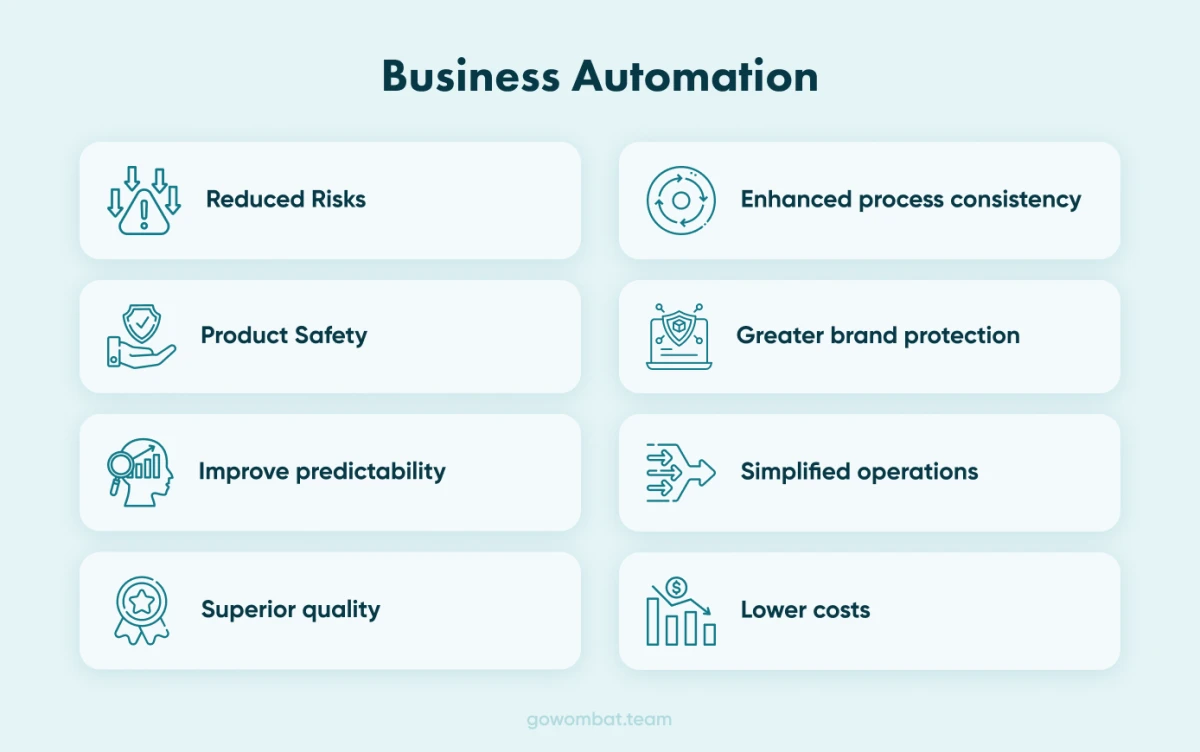
Business process automation is the use of technology to make a business's processes more efficient and flexible. A process here is any set of actions a business performs to reach its goals.
It can be as simple as generating email responses or as complex as coordinating multi-level approval workflows in logistics.
Done well, BPA reduces operating costs and the time spent on time-consuming tasks.
Typical features of a BPA system
A BPA system gives immediate access to real-time data, automates the activities that slow down one or more processes and reduces manual work. It also improves internal communication, so staff understand the processes better.
In our experience, a BPA system usually works with both structured data (from form fields such as name and address) and unstructured data (from social media or customer actions). Where and how each is collected and used depends on business requirements.
To discuss CRM, ERP or other automation systems, contact us.
Why automate business processes?
Improved Management
Automated processes produce data at each step, so managers can see how work flows and where to improve it. Documented workflows also make it easier to train new and existing employees.
Long-term Transformation
BPA is a practical step in digital transformation, and automated processes are easier to extend as the business changes.
Increased staff satisfaction
Taking monotonous tasks off people's desks lets them focus on more important and more interesting work, which tends to raise productivity and satisfaction.
What parts of a business can be automated?
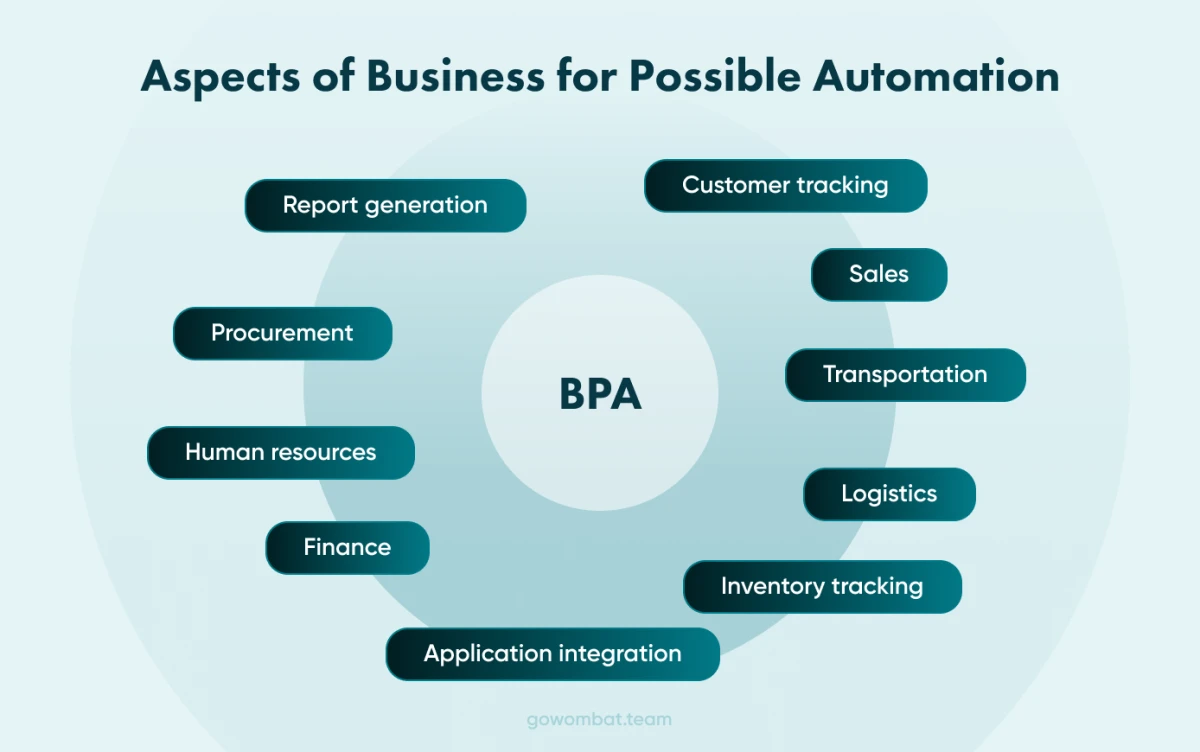
Good candidates are repetitive tasks that slow down production or other processes, and work that involves gathering and managing many data files or connecting and integrating services.
Before automating a process, check how often it runs, how many rules it follows and whether its input data is structured.
To talk to our business process automation consultants, contact us.
Five strategies for Business Process Automation
Before introducing automation, check that the company is ready. Do employees understand the change and its implications, and are they willing to take part? Are the business goals defined clearly enough to measure the improvement?
If the answers are yes, follow these steps.
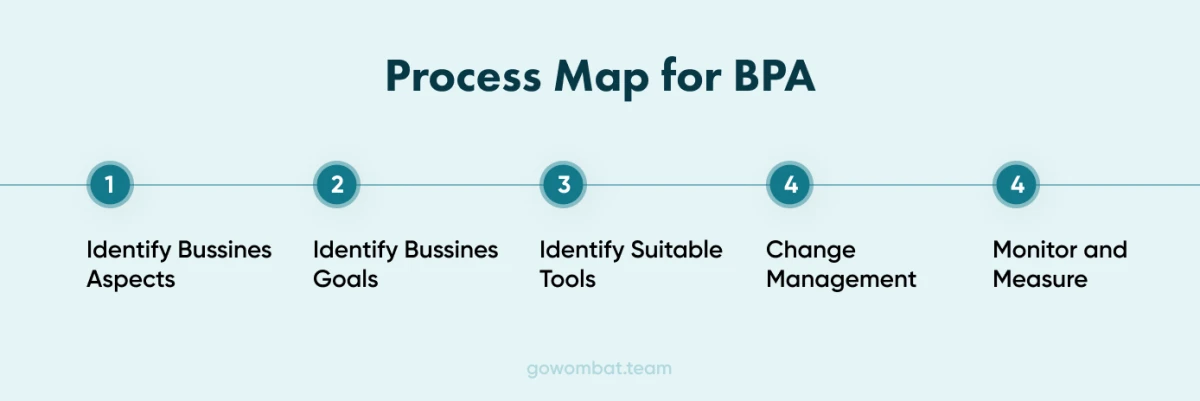
Identify the business aspect in need of improvement
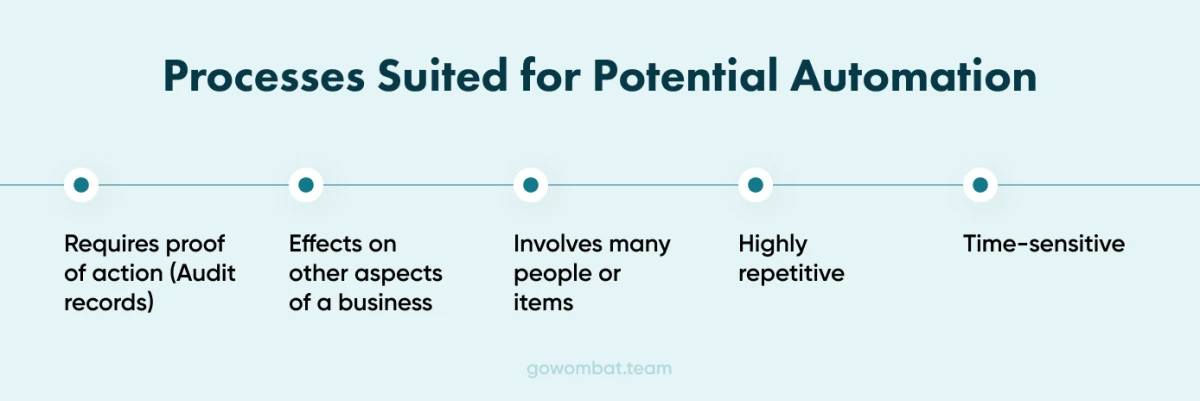
Look for areas that affect other parts of the business: tasks that are time-sensitive or highly repetitive, processes that involve many people or handle information about many people, and activities that require proof of action or audit trails.
Pay particular attention to bottlenecks that delay later stages.
Create a Process Map
A process map shows where the problem areas are and which steps could be streamlined.
Outline Business Goals
Clear goals show which parts of the business affect them and give you a way to assess the improvement.
Tools such as SWOT analysis (strengths, weaknesses, opportunities and threats) help define current goals and the areas that need support. Decide at this stage how you will measure success.
Identify the Most Suitable Tools
Choose tools carefully, with advice from automation specialists. Look for ease of use, flexibility, scalability and how well each tool integrates with your existing systems.
Change Management
Keep staff informed. People who feel involved in the decisions are more motivated and take more ownership of the change.
Train the people who will use the new tools every day, give regular updates and make it clear that automation does not make them less valuable. Workshops and ongoing training make the transition easier.
Monitor and Measure
Define the results you want and track them with KPIs. Record baseline values before automation starts, because success can only be measured against them, and measure the same way every time.
What are the benefits of Business Process Automation?
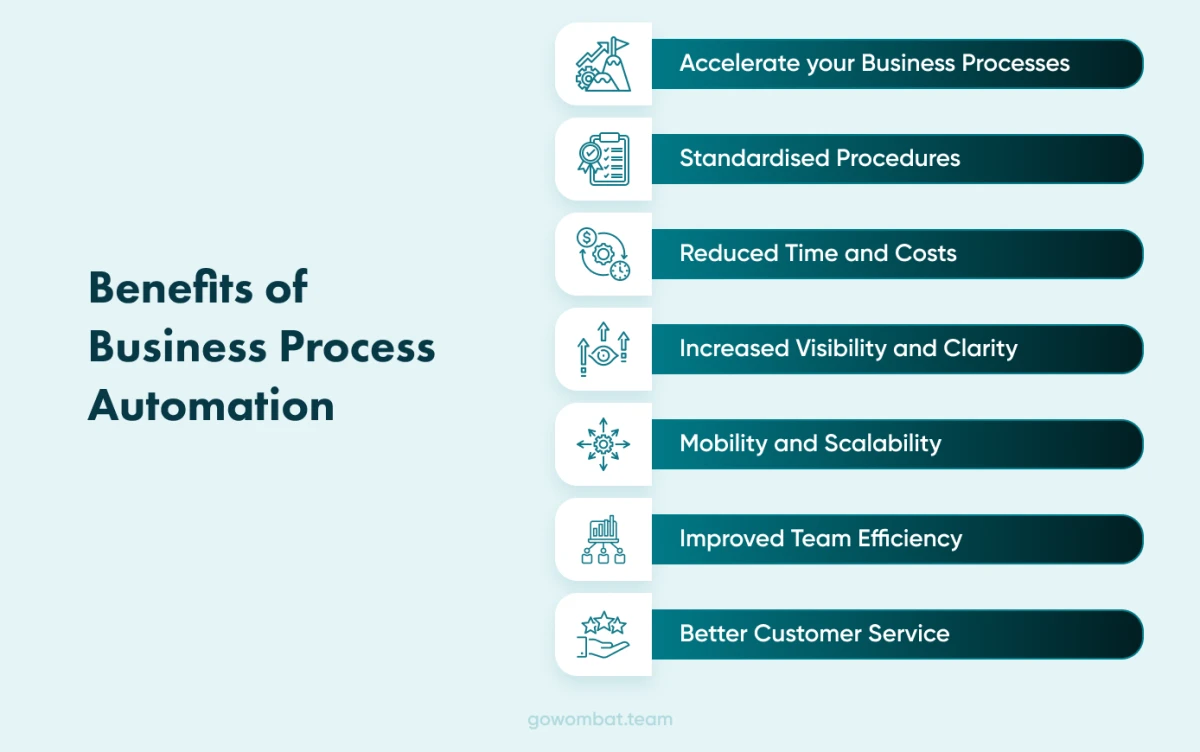
Accelerate Your Business Processes
Automated processes run faster: notifications and documents are created, sent and received sooner, and automatic reminders reduce late payments and missed appointments.
Standardised Procedures and Fewer Errors
Automated data entry follows the same rules every time, which reduces errors.
Time and Costs are Reduced
Fewer manual steps and fewer errors mean lower labour costs and less time spent.
Process Visibility and Clarity
Better data gathering, analytics and reporting make processes visible, so everyone can see what works and what does not. Those insights support better strategic decisions and show where to streamline next.
Mobility & Scalability
Our designers create intuitive, responsive user interfaces for automation tools.
Forms work equally well on desktop and mobile, and peak demand is planned for at the design stage, so service levels hold when usage spikes.
Greater Team Efficiency
Automating administrative work frees staff for more productive tasks, such as technical work instead of tracking down lost invoices or reports, and makes better use of their skills.
Better Customer Service
Customers expect fast, reliable service, and long waits lose them. Automated processes help deliver it.
What aspects of a business shouldn’t be automated?
Not every process should be automated.
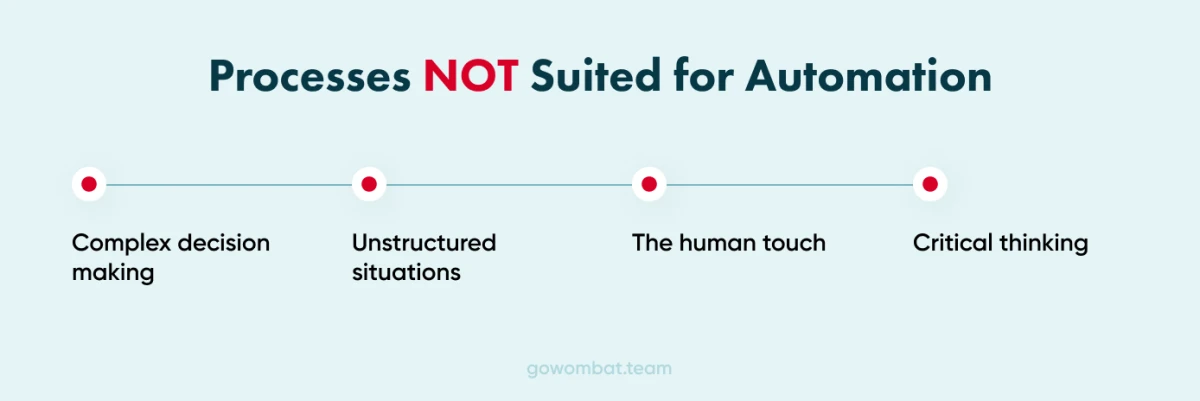
Decisions that depend on how someone feels or thinks are hard to automate. They need a person who can understand circumstances a form cannot capture and respond with empathy.
Go Wombat's business process automation consultants can help you decide what to automate and how.
To discuss your requirements, contact us.
Share and subscribe to our blog
Related articles

Enterprise Resource Planning - An Effective Solution for Businesses
What an ERP system does, the problems it solves, ready-made vs custom ERP, and how we rebuilt the dealer-facing part of a manufacturer’s ERP.

How to Outsource
The benefits and risks of IT outsourcing: access to talent, cost, speed and flexibility, and how to manage hidden costs, control, communication and legal risks.

Why Use a CRM System? 7 Reasons Businesses Can't Afford to Skip One in 2026
What a CRM system does, how CRM software changed by 2026, and seven reasons to use one, illustrated by the CRM platform Go Wombat built for Demco.

Five Business Automation Trends to look out for in 2022
Five technology trends for business process automation in 2022, taken from Gartner's list: cloud-native platforms, composable applications, hyperautomation, AI engineering and generative AI.

How can we help you?