How To Create An Online Booking System For Your Business


Customers now expect to book, pay and reschedule without calling. Online booking covers buying tickets, seeing a doctor, ordering food and travelling, so many businesses need an online booking website or app. Booking data can also feed advertising technology (AdTech) that targets offers to customers' interests.
This guide covers the types of booking software, their benefits, the features to include and the steps to create an online booking system.
Why Businesses Need Booking Software
Online booking software lets users pick a time, book a meeting, ticket or service, and then receive it: hotel rooms, restaurant tables, air and train tickets, events, doctor's appointments.
Before the COVID-19 pandemic, Statista projected that the online travel market would grow from $756 billion in 2019 to $817 billion in 2020.
For any business type, a booking system takes phone admin off your staff and lets customers book at any hour.
For a consultation on your project, contact us.
Types Of Online Booking Apps
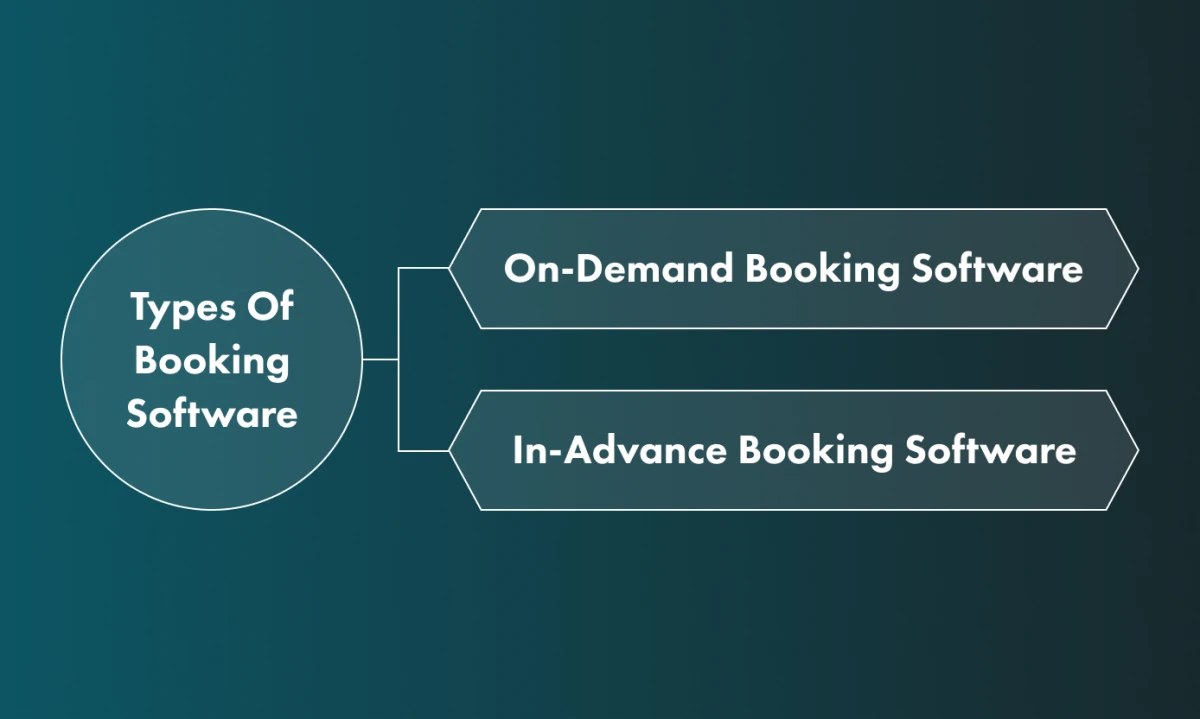
There are two main types of booking software: on-demand and in-advance.
On-Demand Booking Software
On-demand booking means ordering a service and getting it right away. Taxi apps such as Uber are a typical example. Delivery of food or household items is on-demand too, as are home services: a housekeeper, lawn mowing or a handyman for odd jobs around the house or office.
In-Advance Booking Software
This type of software lets users schedule activities in advance. Common categories:
Food & beverage delivery
This looks like on-demand booking, with one difference: services such as Uber Eats let customers order groceries or restaurant food online and schedule the delivery for later.
Hotel booking
Hotel booking systems are one of the most common examples of booking software. Travellers use them to reserve a room for specific dates. We have written an article about hotel booking system development if you want to know more.
Flight booking
Air travel depends on online booking, whether for business trips or holidays, and flight booking makes up a large part of the travel booking sector.
Beauty services
Clients can book an appointment with a hairdresser, barber or make-up artist in advance.
Healthcare
Patients book appointments with doctors online instead of calling the clinic, which saves time for both sides.
Restaurant reservation
Restaurant reservation systems let guests reserve a table for a specific time without calling.
If you need a restaurant booking app, our business development team can help you plan it: contact us.
Advantages Of Booking Apps For Businesses And Customers
Online booking systems benefit both companies and their customers.
Benefits for businesses
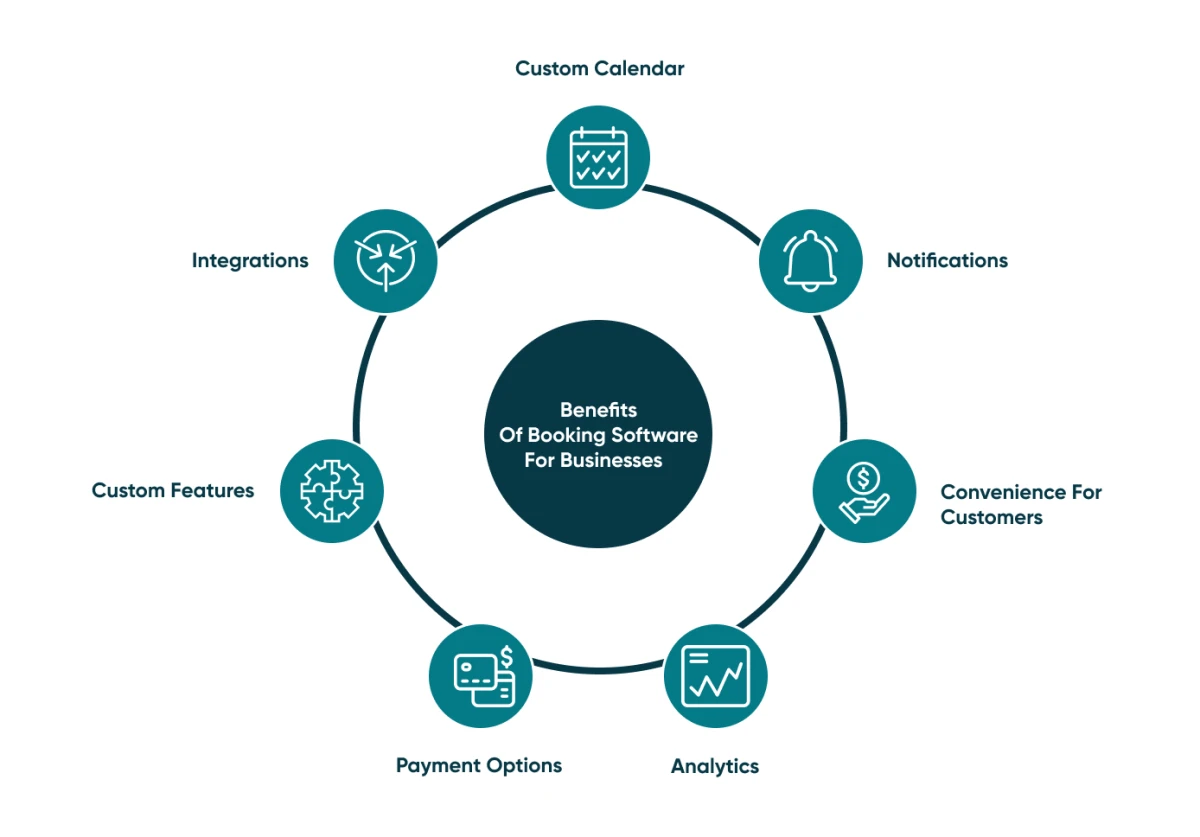
Custom calendar
A custom calendar works for both customer bookings and internal planning: employees can track holidays and sick leave, and managers can track customer requests.
Notifications
Notifications remind employees about appointments and other events, so nobody has to keep them all in their head.
Convenience for customers
Customers can book at any time, 24 hours a day, 7 days a week, including outside your business hours.
Analytics
Booking systems usually include analytics on the number of bookings, customers and visits.
Payment options
Booking systems usually have an integrated payment gateway so users can pay online for booking services.
Custom features
Ready-made booking solutions often have limited functionality, or functions that don't suit your business. A custom booking system includes the features your business needs, whether you are a small business or a large enterprise.
Integrations
Third-party services such as the Google Maps API or the Travelport API add maps, travel content and other data to your booking system.
Benefits for customers
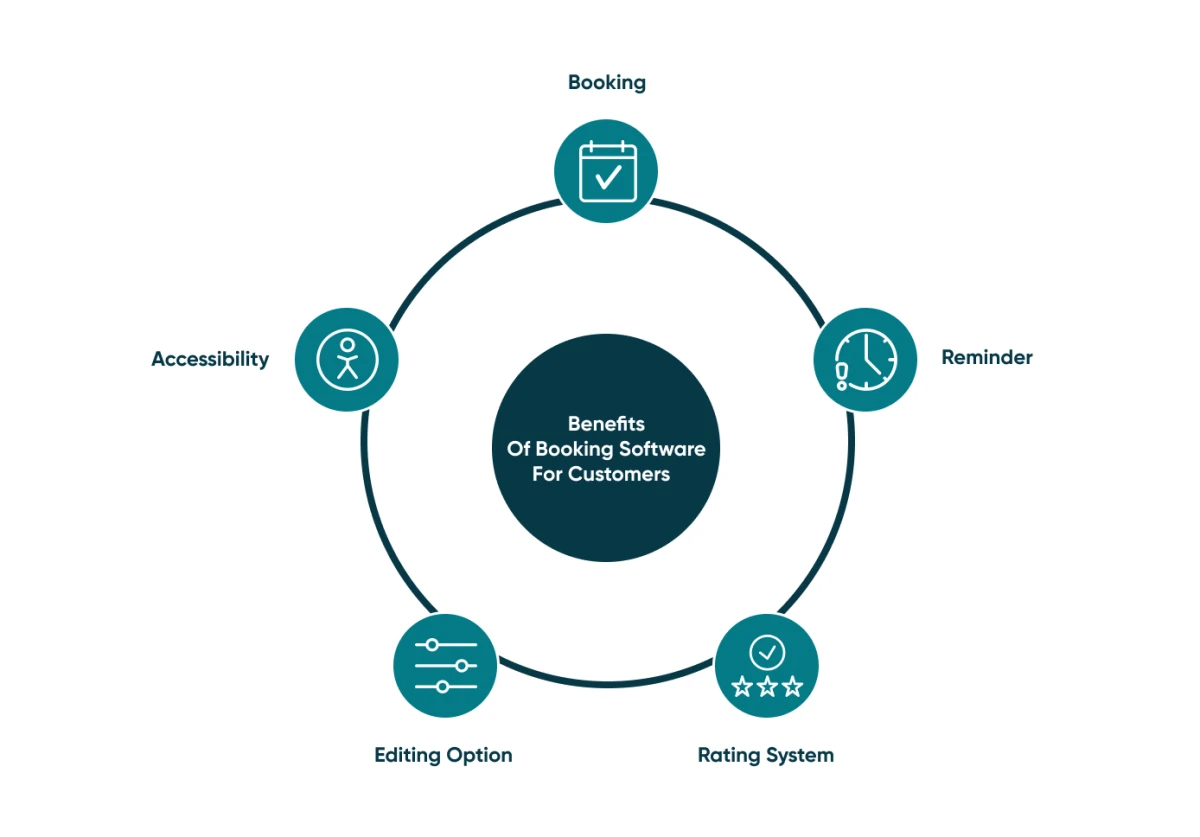
Booking
Customers can book in a few clicks, without phoning.
Reminder
Reminders make customers less likely to miss appointments or flights.
Rating system
Customers can rate the service once it is finished, which helps other customers choose.
Editing option
Customers can reschedule or cancel a booking in a few taps or clicks, without calling or queuing.
Accessibility
An online booking system works outside business hours and on days off.
Features Your Booking System May Include
Features vary by type of booking system. These are the common ones.
Customer panel features
Sign-up
Users need an account. To save them time, let them sign in with Facebook, LinkedIn or Google.
Select time/date
Once users choose a service, they pick the date and time.
Payment gateway
Use an established payment provider such as Braintree, Stripe or PayPal to handle payments securely.
Calendar
Every booking system needs a calendar that is simple to use.
Integration with relevant services
Sync the service with third-party tools such as social media pages, calendars and CRMs.
Ratings and reviews
Let users rate your services and leave feedback, so other users can see what to expect.
Customer support
If something goes wrong, customers need a way to reach someone who can fix it, such as a chat with your support team.
Reminders
Notifications remind users about upcoming bookings and appointments.
Management panel features
Data management
Your employees use a content management system (CMS) to manage, edit and delete data in the booking system.
Customer-support chat
Managers can see how the support team communicates with users. An online booking system needs a support team, so plan for hiring one.
Updates
When you update information in the system, users get notified.
Revenue management
Built-in statistics and reports track income and refunds, and filter profit by date or time.
Contact us to discuss your booking system.
How To Create A Booking System
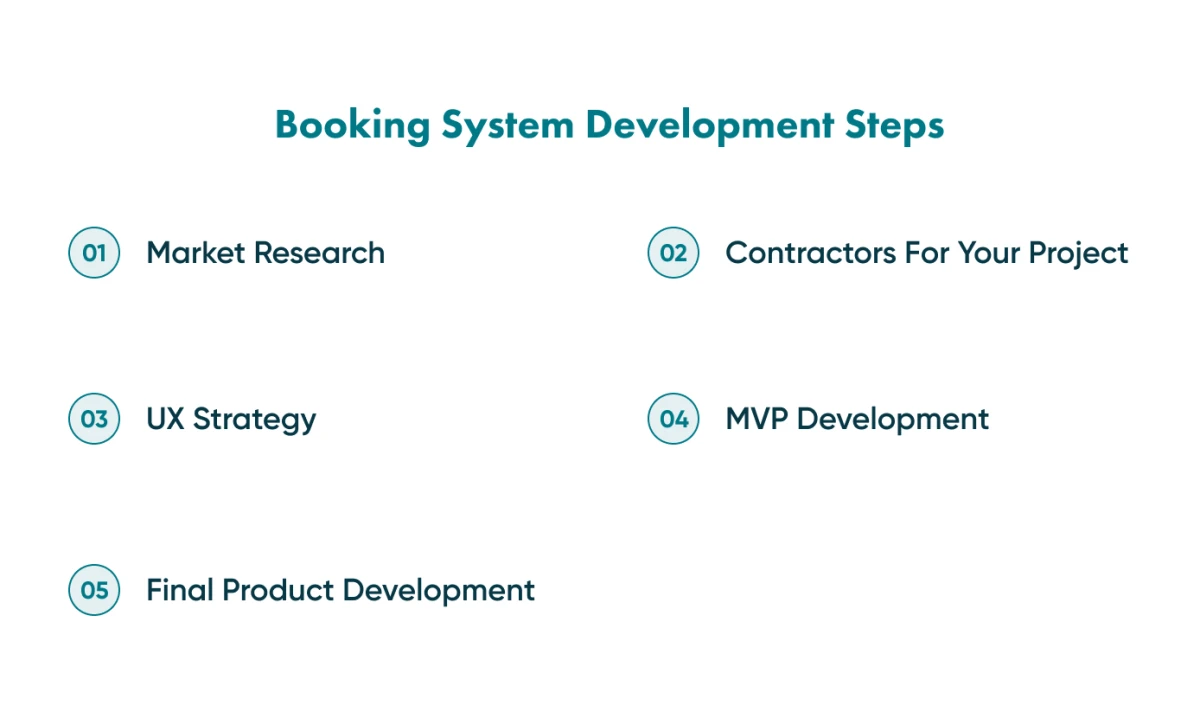
We recommend five steps.
Market Research
If you are launching a new business rather than adding booking to an existing product, start with research: analyse your competitors and check that the idea has potential.
At Go Wombat, our business analysts also run research and analysis before development starts.
Find Contractors For Your Project
Next, find a company to build the system. Review platforms such as Clutch.co and GoodFirms list software development companies with client reviews, and let you filter them by region, rate and other criteria.
Outsourcing gives you access to a large pool of skilled specialists and is usually cheaper and more flexible than hiring. Read more in our article about the benefits and risks of outsourcing.
UX Strategy
Next comes UX strategy research. Our UI/UX specialists work out how to make the booking flow easy to use and navigate.
Minimum Viable Product Development
We recommend building a Minimum Viable Product (MVP) first. It lets you validate the concept with a group of beta users before you build the full product.
An MVP also reduces cost and risk. You can start with a proof of concept, cut features or use low-code platforms; our article about reducing MVP development costs has more ways to save budget.
Final Product Development And Release
If beta users accept the prototype, we build the full product, release it and maintain it, because it will need updates. At Go Wombat, we build on Python and Django, which handle complex software well.
Bottom Line
Before developing an online booking system, decide on its type, features and business model.
If you work with Go Wombat, we review progress with you after each sprint and fix issues within agreed deadlines.
Contact us to start your project.
Share and subscribe to our blog
Related articles

10 Key Software Development Trends In 2022
The software development trends we expected to matter most in 2022, from automation and AI to blockchain and PWAs, and what they mean for custom software.

Big Data in the Hospitality Industry
Big Data in the hospitality industry: what it is, how hotels, restaurants and travel companies use it, and the limitations to plan for.

Current Trends in The Hospitality Industry
Technology trends in the hospitality industry since the COVID-19 pandemic: automation, feedback and task management, chatbots, mobile check-in, IoT and AI.

How can we help you?