
What is Data Migration and how to create the perfect process

-blogDetail-1200x800.webp)
Moving a spreadsheet from one folder to another takes seconds. Moving a company's live operational data from one system to another is nothing like that, and this is exactly where most of the risk in modern IT projects hides.
Data migration means moving data between storage systems, formats, or applications. Businesses take this on for a handful of reasons: replacing a legacy platform, consolidating systems after an acquisition, or shifting workloads to the cloud. Public cloud spending alone is forecast to reach $723.4 billion in 2025, up 21.5% from the year before, and Gartner expects 90% of organisations to be running a hybrid cloud setup through 2027 (source: Gartner, November 2024). Most of that spending is really just data moving from where it already lives to somewhere new.
What follows covers what data migration actually involves, the main types you'll run into, and the process that separates a controlled migration from a chaotic one.
Data migration explained
Data migration means transferring data from one storage system, format, or application to another, permanently and without any loss of accuracy along the way. Businesses usually take this on when they introduce a new platform, retire legacy infrastructure, or restructure how information moves between departments.
Extraction, transformation, and loading sit at the centre of almost every migration project. Get those three steps wrong and everything downstream, from reporting to compliance, inherits the error.
The main types of data migration
Most migration projects fall into one of six categories. They overlap in practice, but each carries its own risks and its own checklist.
Storage migration
Moving data from one physical or virtual medium to another, for example, from on-premises hard drives to cloud-based storage. The driver is usually modernisation rather than a lack of space; legacy storage tends to degrade in performance long before it runs out of capacity.
Application migration
Switching software vendors or platforms, which forces data out of one format and into another. Differences in data models are the main obstacle here, and APIs are commonly built to bridge the gap and protect data integrity during the switch.
Data centre migration
Relocating physical infrastructure, servers, storage arrays, and network hardware to a new site, or moving the data housed there onto new infrastructure without changing location. Data centres concentrate a business's most sensitive information in one place, so both the physical move and the digital one need equal scrutiny.
Database migration
Database migration means shifting data between versions of the same database, or switching to a different database management system entirely. Schema differences between the old and new systems are where most database migrations go wrong.
Cloud migration
Cloud migration covers moving data from on-premises infrastructure to the cloud, or shifting it between cloud providers. This is the category most organisations are actively working through right now, and Flexera's 2025 State of the Cloud Report found that more than half of enterprise workloads already run in public cloud, with further migration planned over the next year.
Business process migration
Business process migration moves the data behind entire business processes, including product, customer, and operational metrics, into a new environment. A reorganisation or an optimisation drive usually triggers it, and it needs the same GDPR discipline as any other migration involving personal data.
The data migration process
.png)
A migration project succeeds or fails on planning, not on the technology doing the moving. Most well-run projects follow the same five phases, often structured around an ETL (extract, transform, load) workflow.
Pre-migration planning
Analyse the existing data alongside the target system's requirements, and put a written data migration plan in place, covering schedule, budget, and method, before touching a single record.
Data inspection
Check the data for quality issues and conflicts here. Cleanup tools earn their cost at this stage, because fixing a formatting problem before migration is far cheaper than fixing it after.
Data backup
Back up everything being migrated. This step sits inside the wider disaster recovery strategy, never bolted on alongside it as an afterthought.
Migration process design
An ETL developer or migration engineer defines testing procedures, acceptance criteria, and who owns what, usually alongside a business analyst who understands what “correct” looks like from the business side.
Execution and validation
Data moves under constant monitoring, with validation running in parallel to catch discrepancies before they reach production.
What Notion's re-shard proves about validation
Notion's infrastructure team learned the value of that last phase the hard way. In 2023, the company re-sharded its core Postgres database, the system storing every workspace's blocks and comments, from 32 to 96 machines with zero downtime. Their first sync attempt took three days; once they worked out that skipping index creation during the copy and rebuilding indexes afterwards, the same sync dropped to twelve hours. Validation and iteration, not the initial plan, got them there.
Big bang or trickle: which approach fits your migration?
Every migration project chooses between two delivery models, and that choice is the single biggest decision in your data migration strategy.
Big bang | Trickle | |
How it works | All data moves in one operation | Data moves in phases; old and new systems run in parallel |
Downtime | Systems unavailable during the move | Close to zero |
Cost and complexity | Lower | Higher, in time and money |
Best suited to | Smaller businesses, smaller datasets | Larger businesses, larger datasets |
Main risk | One failure affects the whole migration | Longer exposure window, more coordination |
The big bang approach
All data moves in a single operation, from the current environment straight to the target one. Big bang migrations are usually scheduled during downtime or public holidays for a reason.
Why teams choose it
Planning costs less and takes less time, which is what makes this approach attractive when budgets are tight or the dataset is modest.
Where it bites
Fewer moving parts means fewer places for something to break, but it also means everything breaks at once if it does. Every system tends to go offline for the duration, so this approach suits smaller businesses that can absorb a short, contained outage far better than large enterprises can.
The trickle approach
Data moves in smaller phases, with the old and new systems running in parallel until the switch is complete. Downtime approaches zero, but the project itself runs longer and costs more, in both time and money.
What it demands
Trickle migrations trade downtime risk for coordination overhead. Stack Overflow found this out directly. Its first attempt to move Stack Overflow for Teams to Azure between 2021 and 2023 took three tries before it succeeded. The lesson the infrastructure team carried into their larger 2023-2025 project, moving the entire public Stack Overflow platform off physical data centres and onto Google Cloud, was to build a dedicated migration team and run the move in phases rather than as one event (source: Stack Overflow, August 2025). The public sites were fully decommissioned from physical infrastructure in mid-2025.
Who it suits
Larger businesses with substantial data volumes and less appetite for inconvenient downtime tend to default to trickle. Longer and more careful, not cheaper, is the trade-off.
Data migration best practices
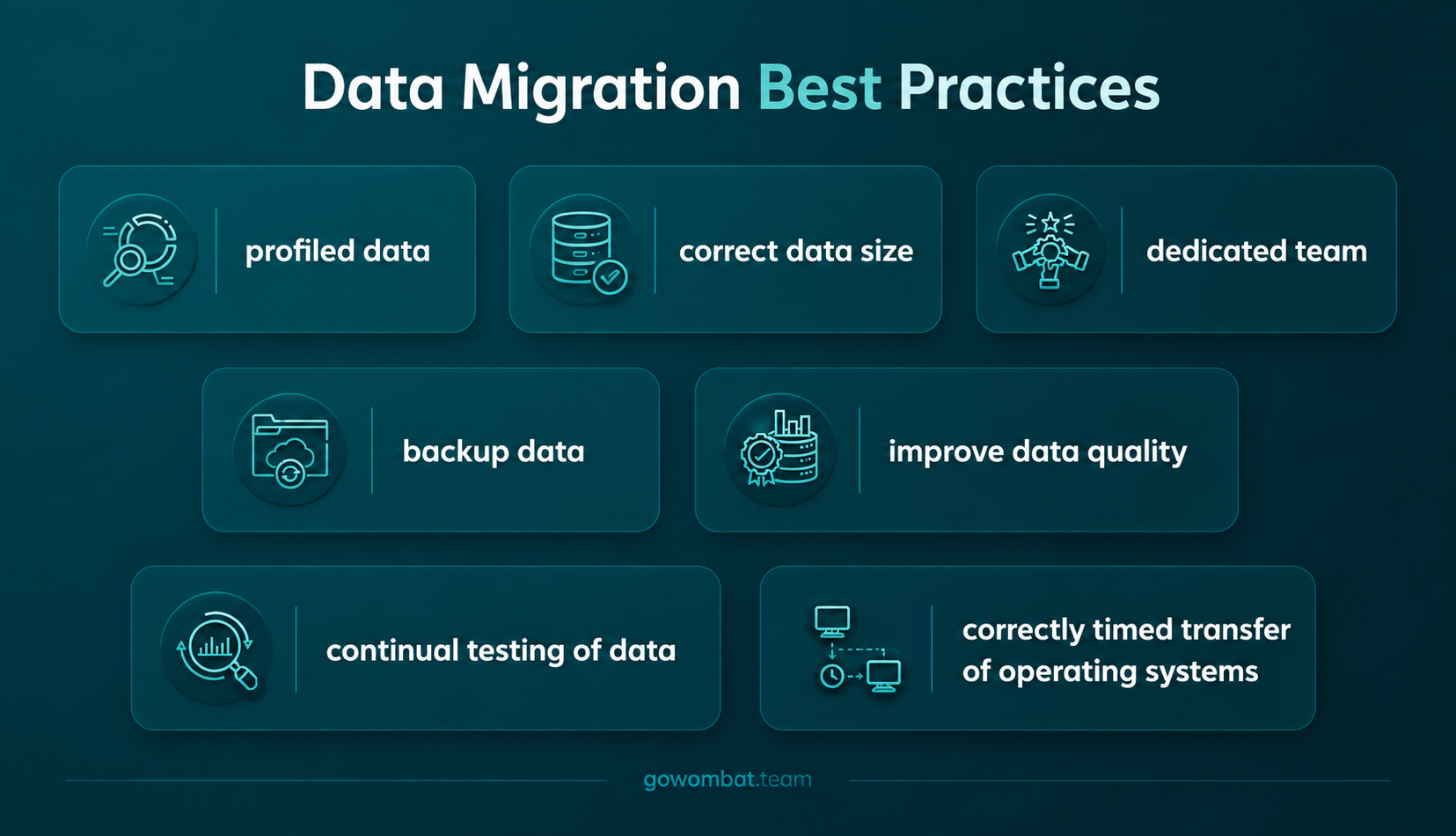
Build a dedicated migration team
A team assigned specifically to the project, rather than one juggling it alongside other work, is what makes cleanup, profiling, and scripting happen properly instead of under time pressure.
Restrict what actually needs to move
Not every historical record earns its place in the new system. Archiving stale data before migration reduces both the cost and the risk of the project.
Profile and back up before writing a single script
Skipping this step is not a shortcut, and treating it as one is the line between a recoverable mistake and a permanent one.
Go Wombat's engineers run every project against a data migration checklist built from exactly these three points, backed by a structured discovery phase work before any code gets written. If you're comparing data migration services and want a second opinion on scope before signing anything, start with a discovery session.
What a data migration tool needs to do
.webp)
Building migration tooling from scratch is expensive and slow. Off-the-shelf data migration software solves that, but not all data migration tools solve it equally well. Five capabilities separate the ones worth paying for from the ones that create more work later.
Connectivity
Does the tool support your current systems, and will it scale with the business as it grows? A tool that only fits today's stack is a short-term fix, not a real answer.
Transformation
Can it handle structured, unstructured, and semi-structured data without manual rework? Most enterprise datasets are a mix of all three, so this is rarely optional.
Scalability
Does performance hold up at petabyte scale, not just in a demo environment? Plenty of tools look impressive on a small dataset and fall over on a real one.
Security
Does it meet the same cybersecurity standard as the rest of your infrastructure? Your data is one of the business's most valuable assets, and it deserves the same scrutiny in transit as it gets at rest.
Speed
How much does processing speed degrade as data volume increases? A tool that passes the first four checks and fails on security isn't a shortlist candidate. Call it a liability with a good user interface instead.
Data migration risks and how to manage them
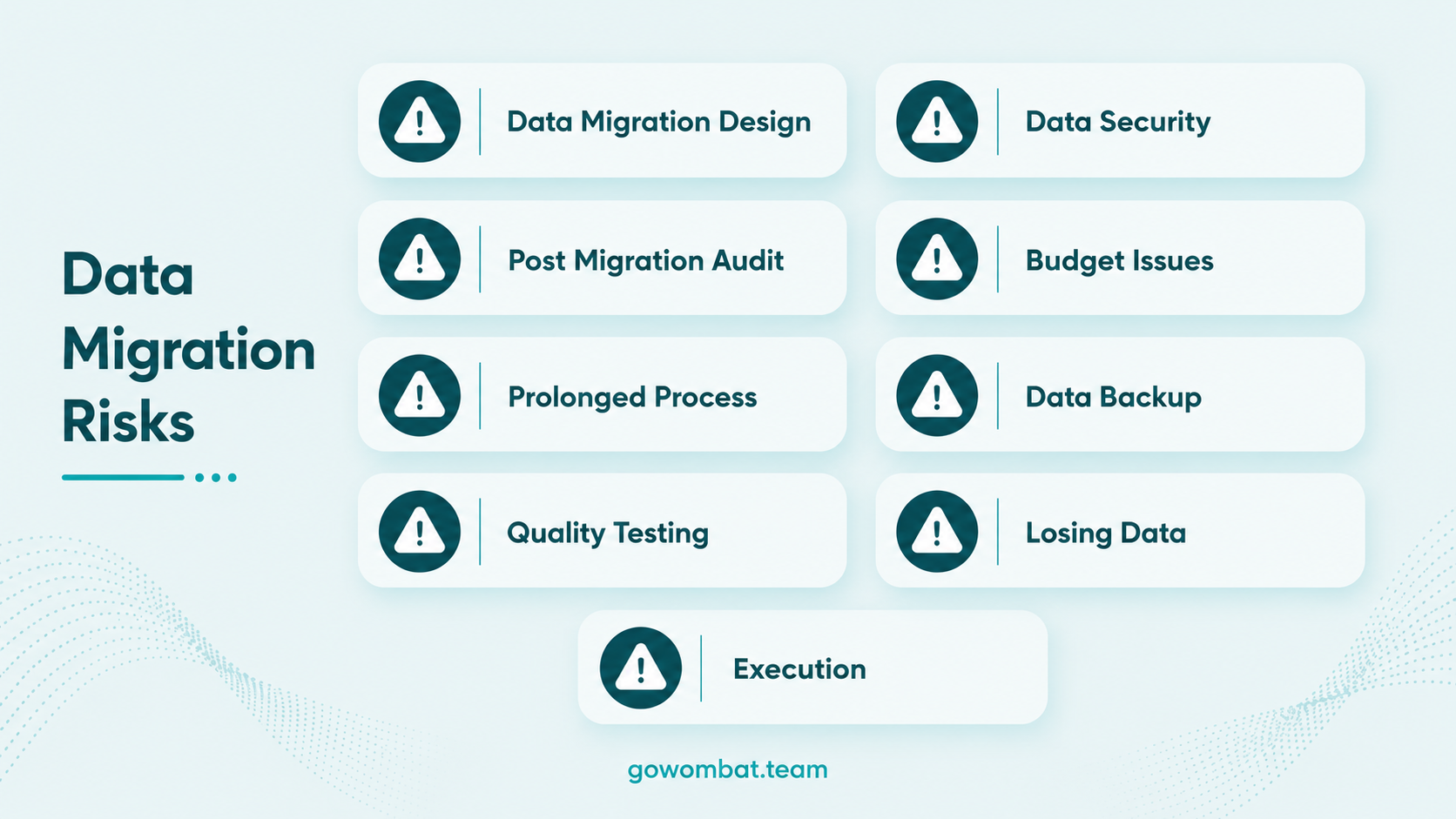
Most migration risk traces back to the same root cause: skipping the planning phase to reach execution faster. That instinct is understandable, and it's also how a six-week migration turns into a six-month one.
Data loss
Data loss usually traces back to one thing: a backup that either doesn't exist or was never actually tested.
How to reduce it
Take a full backup and pair it with a documented disaster recovery plan before migration starts, not after something goes wrong.
Prolonged timelines
Prolonged timelines tend to come from poor connectivity, unclear scope, or a team stretched too thin to do the job properly.
How to avoid it
Scope realistically during pre-migration planning. Timelines slip during execution far more often than they slip during a well-run planning phase.
Security exposure
Security exposure happens when data sits unencrypted, either in transit or at rest.
How to reduce it
Encrypt data before, during, and after the move, checked against your cybersecurity consulting baseline rather than assumed to be covered by default settings.
Budget overrun
Budget overruns are almost always a scope creep problem, made worse by rework nobody planned for.
How to fix it
Agree on fixed acceptance criteria before execution begins, so “done” means the same thing to everyone on the project.
Data quality drift
Data quality drift creeps in when a migration runs without full validation at every stage.
How to reduce it
Run continuous data migration testing and a QA process through design, execution, and post-migration, not just at the very end.
How long does a data migration actually take in 2026?
There is no fixed answer, and anyone who gives you one without seeing your data first is guessing. A big bang migration on a modest dataset can finish in days. A trickle migration across a large enterprise, the kind Stack Overflow ran over roughly two years, can take considerably longer once phased rollouts, parallel validation, and dependency mapping are factored in.
What determines the timeline is rarely the technology. Data volume, the number of dependent systems, and how much cleanup the source data needs before it's fit to move matter far more.
Key takeaways
Data migration is not a single technical task. Treat it as a sequence of decisions, about scope, method, timing, and risk tolerance, that decides whether a business ends up with a cleaner, faster system or a more expensive version of the same problems.
Whether you are running a database migration, a full cloud migration, or a business process overhaul, the fundamentals hold: plan before you touch the data, back it up before you move it, and validate constantly rather than once at the end.
Go Wombat has built migration strategies for clients across manufacturing and Industry 4.0, AdTech and MarTech, sports technology, and PropTech and real estate, alongside deep experience in BI and data visualisation and custom ERP systems. Share your project brief if you are planning a migration and want a second opinion on the approach before committing to one.
Frequently asked questions
What is data migration?
Data migration is the process of moving data between storage systems, formats, or applications without losing accuracy or integrity along the way. Most businesses take this on when adopting a new platform, retiring old infrastructure, or restructuring how data flows internally.
What are the six types of data migration?
Storage migration, application migration, data centre migration, database migration, cloud migration, and business process migration. Most large projects involve more than one type at once, particularly when a legacy system move touches both storage and applications.
Is the big bang or trickle approach better for my business?
Your tolerance for downtime and the size of your dataset both play a part. Big bang suits smaller businesses that can absorb a short outage. Trickle suits larger organisations that need old and new systems running in parallel, at the cost of a longer, more complex project.
How long does a typical data migration take?
Timelines vary from days for a small, single-operation move to well over a year for a large, phased enterprise migration. Data volume, system dependencies, and how much cleanup the source data needs matter more than the technology chosen.
What are the biggest risks in data migration?
Data loss, security exposure, budget overruns, and prolonged timelines top the list. Nearly all of them trace back to the same cause: skipping or rushing the pre-migration planning and backup phases to reach execution sooner.
What should I look for in a data migration tool?
Connectivity with your current systems, the ability to transform structured and unstructured data, scalability to petabyte level, strong security, and processing speed that holds up as data volume grows. A tool that is weak on security is not worth shortlisting, regardless of its other features.
Share and subscribe to our blog
Related articles

10 Key Software Development Trends In 2022
The evolution of software development approaches is a continuous process. Startup founders and business owners need to be well informed about new technologies and techniques to build new software or upgrade an existing one. One such develo…

Cloud Data Security: Protecting Sensitive Data
Transferring corporate data to the cloud allows organisations to increase their flexibility, scalability, and cost efficiency. Cloud computing has become an essential part of modern corporate infrastructure, enabling remote work, real time…

The Importance of Cybersecurity
The concept of data leakage has become increasingly more commonplace and the need for protecting your computer is a definite consideration if you don’t want your personal information stolen. However, cybersecurity is not just limited to pe…

How can we help you ?