Extraction, Transformation, and Loading: What ETL Is Created For and How It Works


Many companies, especially in ecommerce, collect data from different sources and departments. To analyse it, data analysts first need it in one consistent place, and ETL (extraction, transformation and loading) is the process that gets it there.
What is Extraction, Transformation, and Loading (ETL)?
ETL is a set of processes for moving data into a data store:
- Extracting data from sources such as database tables and files
- Transforming and cleaning the data according to business requirements
- Loading the processed data into the corporate data store
ETL emerged as companies ran more and more information systems whose data had to be combined and analysed together.
It is typically used to move large volumes of heterogeneous data: collect it, bring it to one format and load it into a target system. The main task is to adapt data from different sources to the target.
Take a shop that records offline customers in one format and online customers in another, on different devices. To keep one shared customer database, it has to convert both into a single format. This is where ETL comes in.
There are many free and paid ETL tools. Developers can also write simple ETL scripts for a specific task, while large ETL platforms support many data sources out of the box.
In practice, ETL creates one data structure out of many information systems. That makes it a core part of business intelligence (BI): analysts need consolidated, up-to-date data to monitor business processes.
For a consultation, contact Go Wombat.
How ETL works
Every ETL system, however it is built, runs three stages:
Extraction
The ETL system extracts data from one or more sources into an intermediate staging area. At this stage it can also validate the data against defined criteria and check that it can be loaded into the target without loss.
Transformation
The system converts the data to fit the target: it changes formats and encodings where needed, filters out what is not needed and brings everything to a single format.
Loading
The prepared data is loaded into the target store. The ETL system can also transfer metadata, that is, information about the data structure.
Data flows from source to target through a staging area of temporary tables that exist only to organise the load. An analyst defines the requirements for that flow, so ETL both moves data and prepares it for analysis.
ETL advantages: why your business needs it
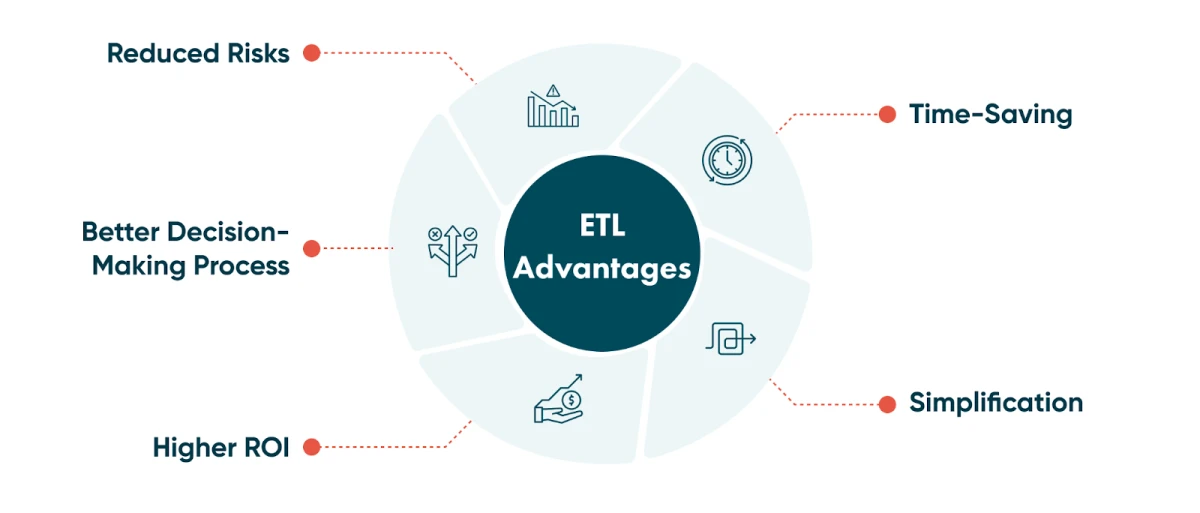
Time-saving
ETL collects, transforms and consolidates data automatically, so nobody has to import it by hand.
Streamlining
As a business grows, its data becomes larger and more varied: different time zones, client names, device identifiers, locations and file formats. The transform step normalises these into one schema, so analysts stop fixing formats by hand.
Reduced risks
Everyone makes mistakes: data gets duplicated or entered incorrectly. An ETL pipeline can catch duplicates and invalid values with validation and deduplication rules, as long as those rules are defined and tested.
Better decision-making
Automated, validated pipelines give analysts cleaner data with fewer errors, and better data leads to better decisions.
Higher ROI
The time saved on manual data handling and the better analytics that follow improve the return on investment (ROI) of your data work.
Where ETL is used
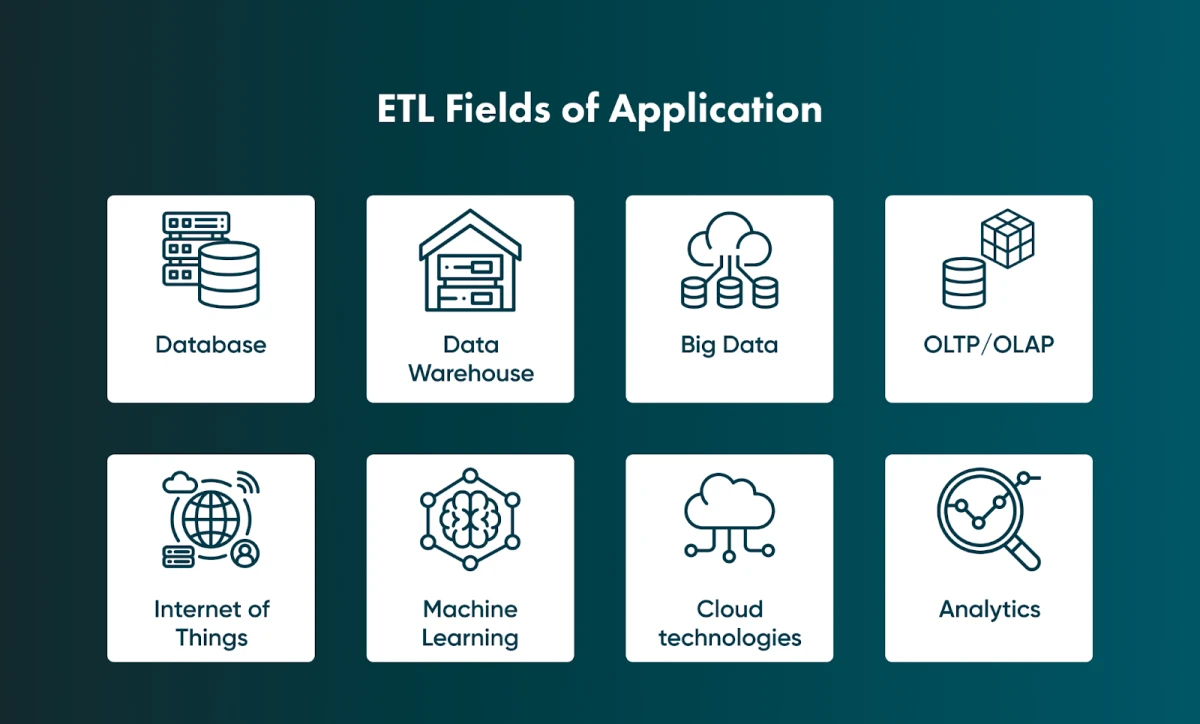
ETL is used wherever information from many sources has to be combined, for example in ecommerce, logistics and healthcare. Typical applications:
Database
Databases go through migrations. Some are one-off, but often data flows into a database from different sources all the time, and ETL keeps those loads consistent.
Data warehouse
A data warehouse (DWH) is a database built for internal analysis and reporting. It combines business data from different sources in one place, so loading a data warehouse is one of the most common uses of ETL.
Big data
Big data has to move between systems, and ETL helps analysts and developers manage these large datasets.
OLTP/OLAP
ETL often sits between OLTP and OLAP systems, which process data in different ways:
- OLTP (online transaction processing) systems handle a continuous flow of small, often repetitive transactions.
- OLAP (online analytical processing) systems handle large analytical queries with many parameters.
Each is good at what the other is not, so data often needs to move from one to the other, and ETL does that.
Internet of things
In the internet of things (IoT), smart devices are connected and exchange data, as in a smart home.
Each device produces data in its own format, so ETL is needed to store it in one database, for example behind a smart-home dashboard that shows sensor readings and the status of every device.
Machine learning
Machine learning relies on large datasets that must be processed and loaded before training. ETL is used to bring the data into one store when a dataset is built.
Cloud technologies
Many companies move data from on-premises storage to the cloud and use ETL to transfer it from different sources.
Analytics
Data, marketing and other analytics combine information from many sources to compare it and make predictions. ETL prepares that information for analysis.
For help with ETL, contact Go Wombat.
Types of ETL tools
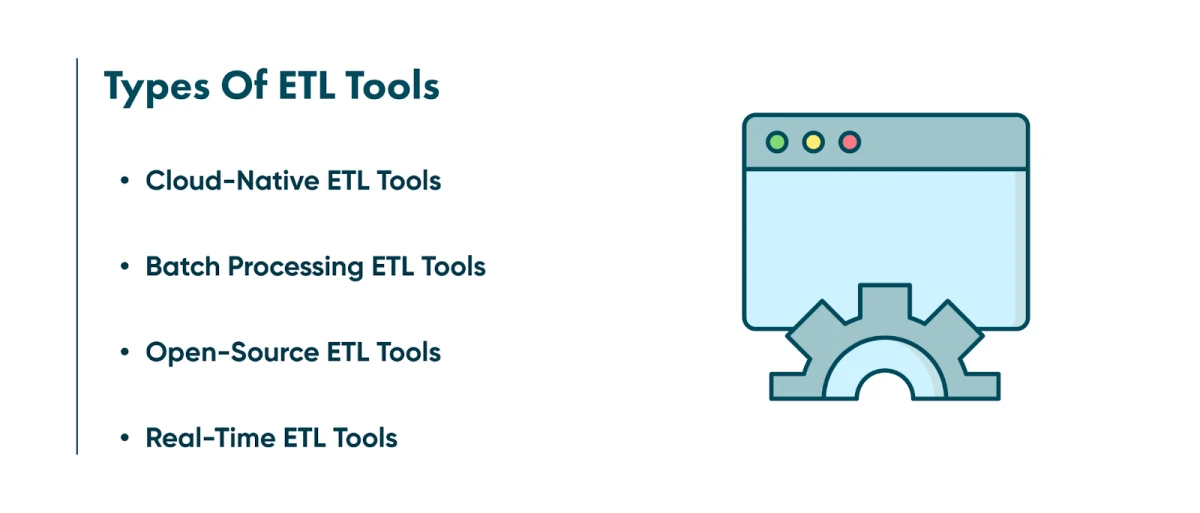
ETL tools are grouped along different lines: how they process data (batch or real-time), where they run (on-premises or cloud-native) and how they are licensed (commercial or open-source). The four common categories below therefore overlap, so choose by your requirements.
Batch processing ETL tools
Batch tools collect data and process it on a schedule, traditionally overnight on on-premises servers, because processing large volumes takes time and resources. Batch processing remains the standard for reporting. Its drawback is latency: the data is only as fresh as the last run.
Cloud-native ETL tools
Cloud-native ETL tools run in the cloud. They can extract and load data from sources directly into cloud storage and then transform it using cloud computing resources, which matters when working with big data. Most cloud pipelines still run in batches on a schedule: the cloud changes where processing happens, not how often. Cloud-native tools can be deployed in the company's own cloud infrastructure or used as SaaS.
Open-source ETL tools
Open-source ETL tools are a low-cost alternative to commercial applications. Examples include Airbyte, Apache NiFi and Singer/Meltano. Pipelines also often use Apache Airflow to schedule and orchestrate batch jobs and Apache Kafka to stream events, although neither is an ETL tool as such. What an open-source tool can handle depends on the tool, not on its licence.
Real-time ETL tools
Real-time tools process data continuously as it arrives, using distributed streaming architectures. They suit cases where decisions depend on fresh data, such as in financial services, but not every project needs them.
How Go Wombat can help you
Go Wombat does full-cycle development and can build your software from scratch. Our services include business intelligence and advanced analytics, so we can build software that handles your data pipelines.
To discuss your data pipeline, contact us.
FAQ
What is ETL, and how does it work?
ETL stands for extract, transform and load. Data is extracted from one or more sources, transformed to fit the target data warehouse and loaded into it for analytics and reporting.
What is an example of ETL in use?
Combining two customer databases with different formats, such as a shop's offline and online customer records, into one database for reporting.
Why is ETL important?
It turns raw data from many systems into consistent data that analysts and data scientists can work with, which is the basis of business intelligence and data-driven decisions.
Share and subscribe to our blog
Related articles

Big Data - A brief introduction and The Top 5 Applications
A short introduction to big data: the data lifecycle, the three Vs, the main challenges and how five industries use it.

How to Streamline ETL Processes in Travel and Hospitality with Luigi?
How ETL pipelines work in data warehousing: the five stages, ETL vs ELT, batch vs streaming, cloud stacks, and the tools teams use in 2026.
Why Is the Digital Twin of an Oil Refinery the Most Complex AI System You Will Ever Build?
Why a digital twin of an oil refinery is so hard to build: seven interdependent layers from physics simulation to control system integration, results from Cosmo Oil's refinery digital twin, a look at Honeywell's planned digital-twin work at the Dangote refinery, team and data prerequisites, and why projects fail.

How can we help you?