What is UX and UI Design in Software Development?

A user interface is what someone sees on a screen. User experience is how the whole product works for them, from the first screen to the finished task. Mixing the two up produces software that looks polished but frustrates people, or tools that work but look dated. Go Wombat builds both UI and UX design into every product it ships. A good login screen and a good login flow are different problems. This article explains what UX and UI design each do in software development, where they overlap and how the difference plays out in real projects.
What is UI design?
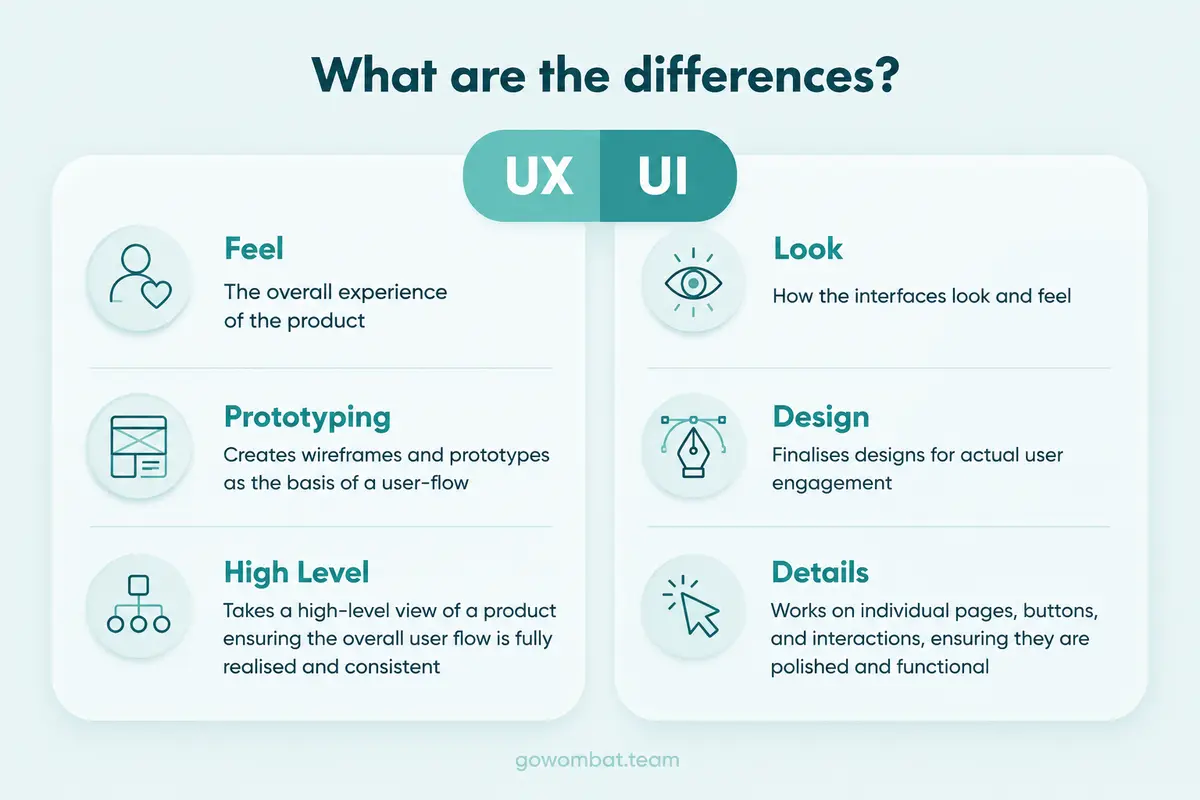
UI design is the practice of shaping the visual and interactive surface of a product: buttons, menus, colour, typography, and layout. A UI designer decides how a screen looks, and how each element responds the moment someone taps or clicks it.
A few rules come up again and again in UI work. One is the 60-30-10 colour rule: a dominant colour covers roughly 60% of the interface, a secondary colour 30%, and an accent colour, usually kept for buttons and alerts, the remaining 10%. Spacing, contrast and visual hierarchy matter more: they tell the user where to look first.
Figma and Framer are the usual tools, letting designers prototype interactive screens before any production code exists. Good UI/UX design is closely tied to front-end engineering: a design that ignores how a browser or device renders it will break once it reaches frontend development.
What is UX design?
UX design is about how a product works for the person using it, from the first tap to the finished task. It covers research, information architecture, usability testing and the overall journey someone takes to get something done. A screen can look finished and still fail its user; UX design is there to catch that.
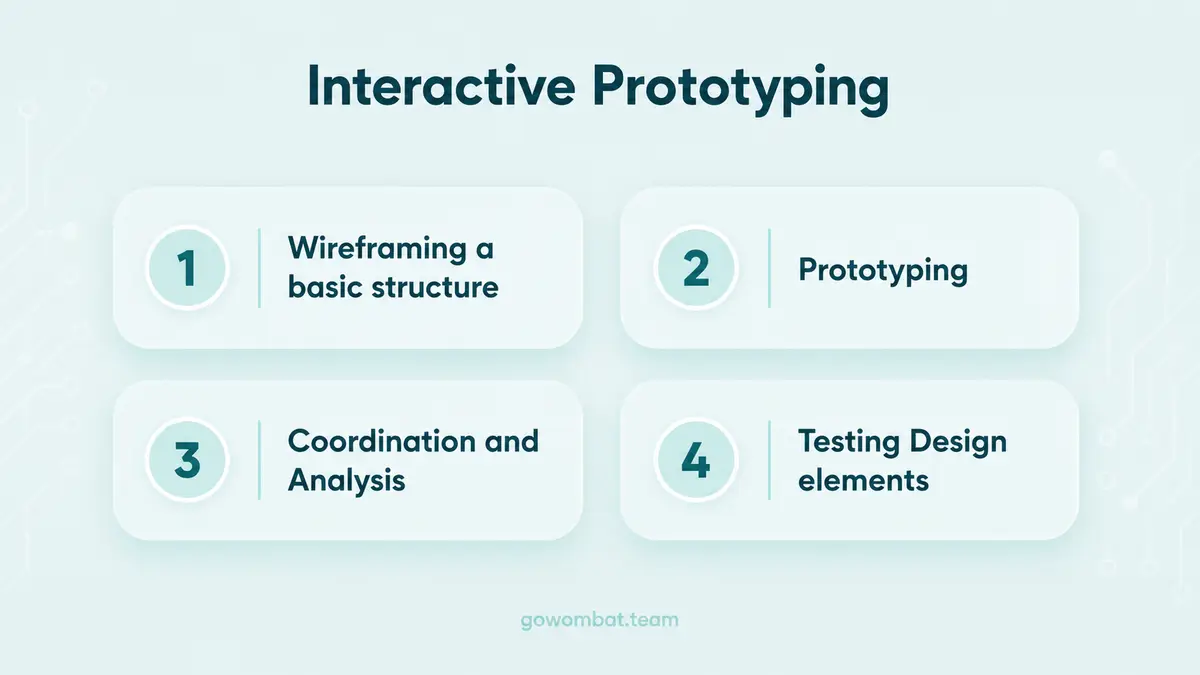
The work starts before any screen exists, with interviews, competitor audits and journey mapping, followed by wireframes and testable prototypes. Then comes usability testing, because a flow that looks obvious to its designer often confuses real users.
ISO 9241-210, the international standard for human-centred design, describes this same loop: understand the context of use, specify requirements, produce a design, evaluate it against real users, repeat until it holds up. The loop matters even more in enterprise software. A confusing internal tool does not lose a sale; it costs employees time every working day for as long as the tool is in use.
UX vs UI design: the difference
UI and UX are separate disciplines that ship one product. The table shows where they differ.
Aspect | UI design | UX design |
|---|---|---|
Focus | Look and feel of individual screens | End-to-end journey and usability |
Core question | Does this look right and respond well? | Can someone reach their goal without friction? |
Typical deliverables | Style guides, component libraries, high-fidelity mockups | User journey maps, wireframes, usability test reports |
Tools | Figma, Framer, Adobe Illustrator | Miro, Maze, UserTesting |
Success metric | Visual consistency, interaction responsiveness | Task completion rate, time on task, drop-off rate |
In practice the two roles work together. A UI designer needs UX research to know which screens matter most. A UX designer needs UI craft, or a well-researched flow still ends up looking unfinished. Work passes back and forth between them many times in a single project.
Why software teams need both
Teams that skip UX research often ship software that works but that people avoid using.
GE Digital is a well-known example. The company built a UX Centre of Excellence and an Industrial Internet Design System to standardise how its software looked and behaved. According to a case study round-up by Toptal, a freelance talent network, the first year brought a 100% productivity gain across development teams and an estimated $30 million in savings. These figures come from Toptal's round-up; we could not trace them to a GE source. The case is about a decade old, but the point stands: UX work can save engineering time, not only improve customer satisfaction.
The UI/UX design process in 2026
On a real project, the UI/UX design phase usually has six stages, roughly in this order:
- Discovery and research: interviews, competitor audits, and a clear list of who the software is for and what they are trying to do.
- Information architecture: mapping screens, flows and the logic connecting them, before anyone touches colour.
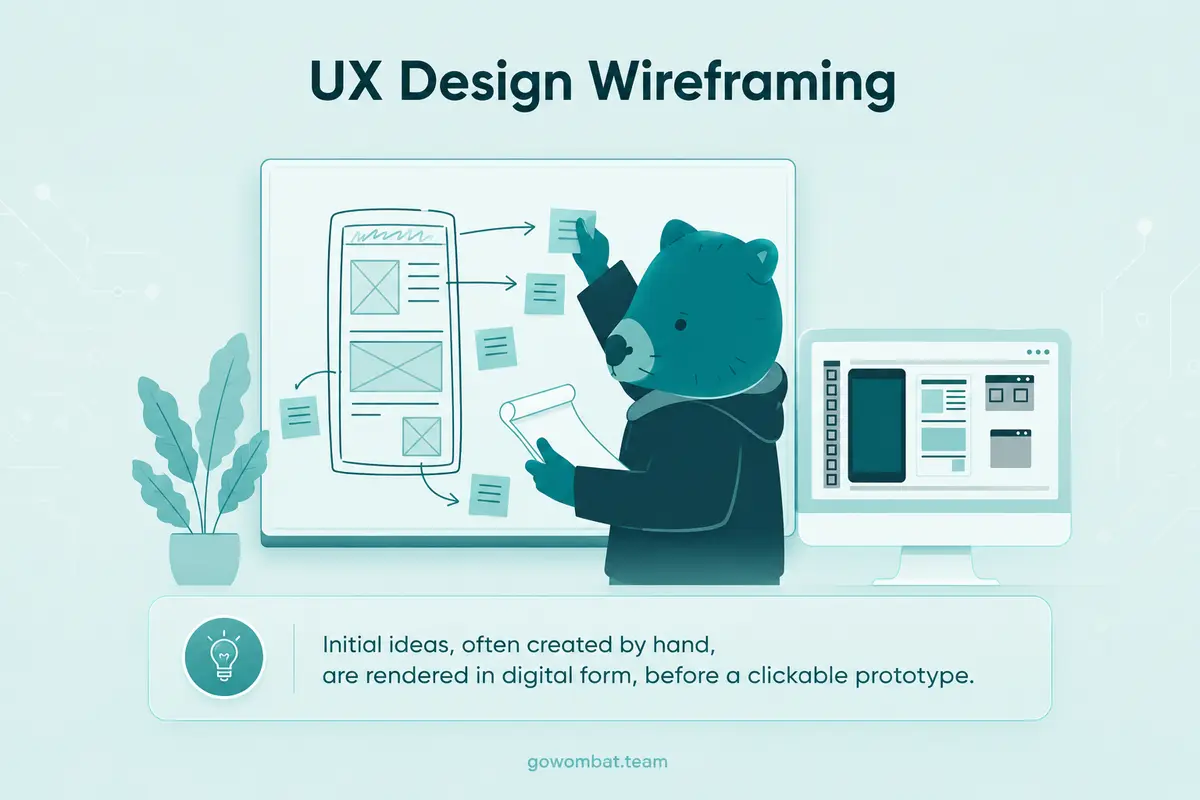
- Wireframing: low-fidelity sketches that test structure rather than style, often drawn on a whiteboard or in Figma.
- Visual design: typography, colour, component states and motion. This is where the UX work turns into UI design.
- Prototyping and testing: clickable prototypes go in front of real users. AI-assisted analysis is increasingly used to flag friction points across recorded sessions, so nobody has to watch every recording.
- Handoff and QA: specs, assets and interaction notes move to engineering, and software testing catches gaps between the design and what was built.
In practice, teams loop back between stages, especially between testing and visual design.
A trend for 2026: AI features that work in the background and reduce the number of decisions a user has to make, rather than a chatbot added on top.
Real-world examples: UI/UX design across industries
UX design examples from four industries:
Take sports and entertainment first. In November 2025, the San Francisco 49ers named PwC their digital consulting partner, and in April 2026 they launched a new app that brings mobile ticketing, parking, payments and concessions into one place. “PwC combines sports, media, and tech like no other, making them the perfect teammate to help us revolutionise the 49ers fan experience,” said Costa Kladianos, the club's Executive Vice President of Technology. The same thinking applies to any sports software built around fan or player data.
In AdTech, ad-verification platform Adloox rebuilt its reporting dashboard with development partner Avenga, migrating to Google Cloud and BigQuery to give advertisers, agencies, and publishers granular control over campaign data without waiting on support tickets. On AdTech platforms, a dashboard is judged by how fast a user can find the number they need.
Then there is property management. TenantCloud rebuilt its dashboard and navigation in 2024, consolidating scattered settings into a single documents page and adding a lease funnel widget so property managers can see active, pending, and ended leases at a glance. The same logic drives PropTech and smart-building software: fewer clicks between a question and its answer.
The GE Digital example above applies directly to manufacturing dashboards: operators reading a shop-floor screen need alarms and priorities to stand out, not compete with decorative charts.
How much does UI/UX design cost, and how long does it take?
Cost and time scale with the size of the product. A set of mobile app screens takes far less time than a full enterprise platform redesign that covers research, wireframes, visual design and testing.
Most of that time goes into reducing risk. A structured discovery phase catches wrong assumptions while they are still cheap to fix, not after a feature has been built on them.
Choosing a UI/UX design partner for your software project
Look for engineering knowledge before portfolio polish. An agency that hands over static mockups without understanding the constraints of web application or mobile app development leaves your engineers to redo the design.
Ask how they test, not only how they design. Usability test recordings tell you more than a finished Figma file, and a good agency can show you both.
Ask for a project in your industry. A team that has never worked on a regulated or data-heavy product will learn your constraints on your budget.
Go Wombat's UI/UX design team works inside the same delivery pipeline as its engineers, from early MVP development through to production, so design decisions get tested against real technical limits before they reach a client's screen.
Final thoughts
Good UI makes the first impression; good UX decides whether people keep using the product. Software that gets only one of them right either looks impressive in a demo and fails in daily use, or works reliably but is unpleasant to use.
Frequently asked questions
What is the difference between UI and UX design?
UI design covers the visual and interactive layer of a product: buttons, colour, and layout. UX design covers the full journey someone takes to reach a goal, including the research and usability testing behind the screens. A product needs both.
Is UX design harder than UI design?
Neither is harder. They demand different skills. UX leans on research and structured problem-solving, while UI leans on visual craft and interaction detail. Complex enterprise software often makes UX the bigger lift, because the underlying workflows are harder to untangle than the visuals.
Can the same person do UI and UX design?
Yes, particularly on smaller teams, where a single “product designer” role often covers both. Larger projects tend to split the work, since deep research skills and strong visual craft rarely peak in the same person.
How much does UI/UX design cost for a software project in 2026?
It depends on scope. A single feature needs far less design time than a full enterprise platform redesign with research, testing and iteration.
What tools do UI/UX designers use in 2026?
Figma and Framer remain the standard for interface design and prototyping, while tools like Maze and UserTesting handle usability testing. AI-assisted analysis has become common for reviewing recorded test sessions at scale.
Why does UX design matter for enterprise software, not just consumer apps?
Enterprise tools get used for hours a day by employees who did not choose them. Poor UX there compounds daily, in lost time and workaround habits, in a way that a confusing consumer app, which a user can simply abandon, does not.
How long does a UI/UX design phase take in a software project?
It depends on scope: a small feature can go through design quickly, while a full platform redesign with discovery, testing and iteration takes much longer.
Share and subscribe to our blog
Related articles

How To Create An Online Booking System For Your Business
Types of online booking systems, their benefits for businesses and customers, the features to include and the steps to create an online booking system.

10 Key Software Development Trends In 2022
The software development trends we expected to matter most in 2022, from automation and AI to blockchain and PWAs, and what they mean for custom software.

Why Is the Digital Twin of an Oil Refinery the Most Complex AI System You Will Ever Build?
Why a digital twin of an oil refinery is so hard to build: seven interdependent layers from physics simulation to control system integration, results from Cosmo Oil's refinery digital twin, a look at Honeywell's planned digital-twin work at the Dangote refinery, team and data prerequisites, and why projects fail.

How can we help you ?