How to Build Custom Real Estate Software Solution


Introduction
Real estate agencies use custom software to cut manual work in listings, lead handling and paperwork. This guide covers the steps involved in building custom real estate software: scoping, planning, choosing a vendor, core features, UX/UI design, security, integrations, testing and training.
Typical examples include property management systems, CRMs, analytics and reporting tools, and ERP systems. At Go Wombat, we build this kind of software for real estate businesses.
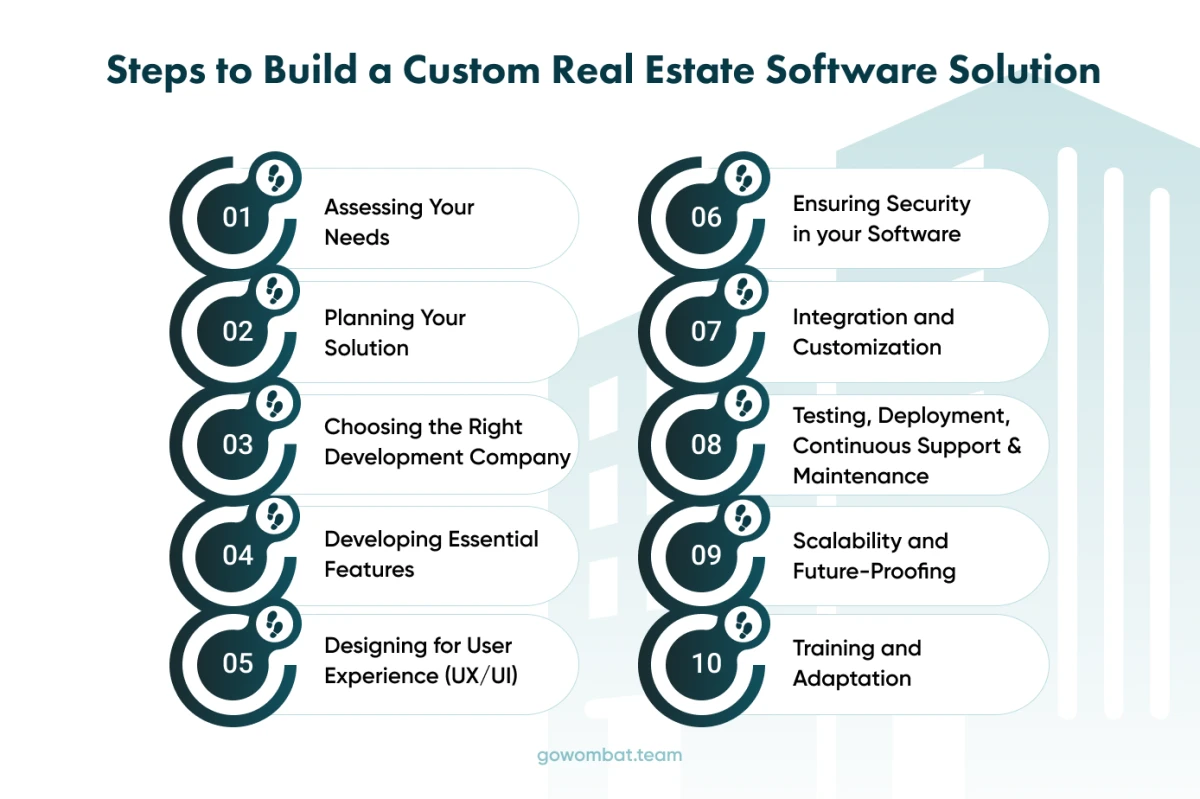
1. Assessing Your Needs
Start with the business problem: slow property management, listings that don't reach enough buyers, or leads that get lost between agents. Write these goals down before development starts, because they decide the feature list and its priorities.
2. Planning Your Solution
Next, turn the goals into requirements. Decide on the architecture, the technology stack and the roadmap for development and release, and set a realistic scope, timeline and budget. Involve the people who will use or sell the product (agents, marketers, clients) along with the developers, so the feature list reflects real work.
3. Choosing the Right Software Development Company
Pick a real estate software development company with experience in real estate software development that can cover the whole cycle, from discovery to maintenance. Ask for a listing or CRM project they shipped, the team that built it, and a client reference you can call. The discovery phase is where the vendor works with you to define the scope: each proposed feature is checked against your business goals, and anything that doesn't serve them is dropped.
The vendor should also help you choose a technology stack that can scale, and provide software testing and cybersecurity to protect your data and your clients' data. Reach out to Go Wombat to discuss your project.
4. Developing Essential Features
Choose features based on what your agents and clients need. The core set usually includes:
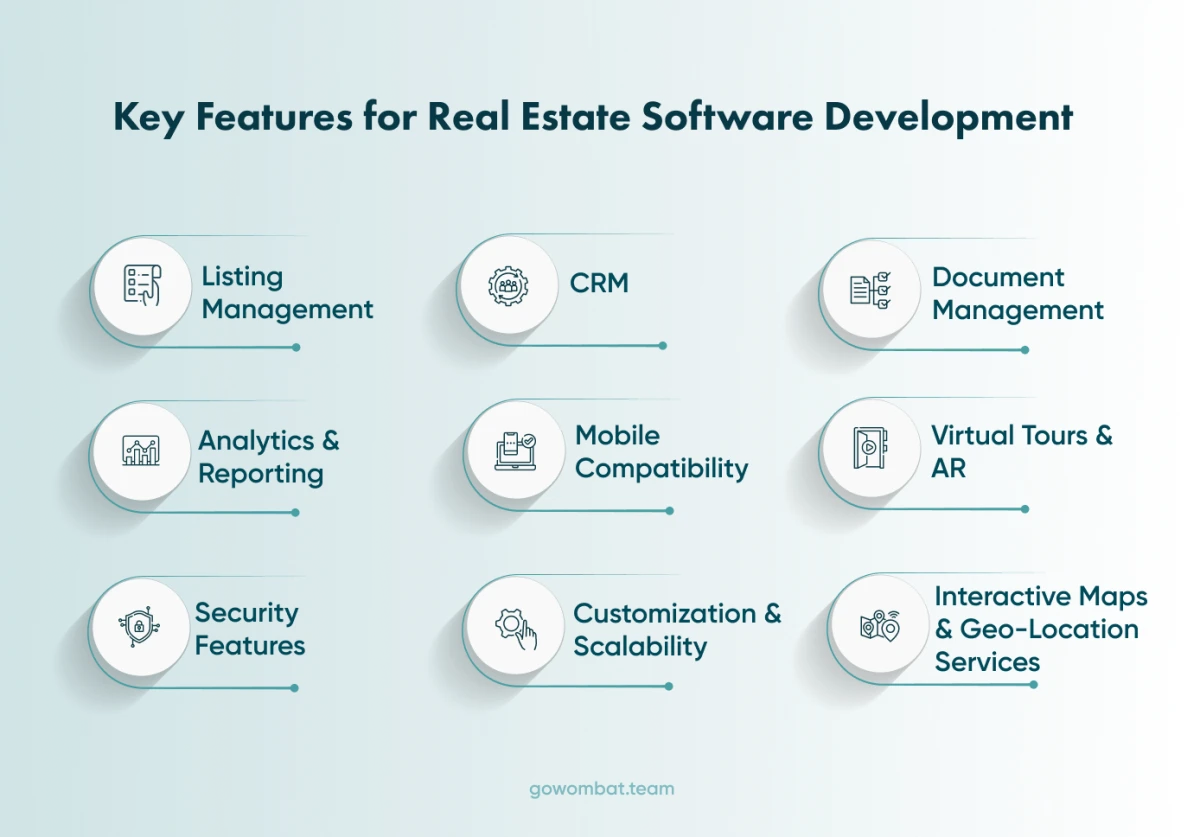
Listing Management: Upload, update and track property listings, with high-quality photos, detailed descriptions, custom categories and automatic availability updates.
Client Relationship Management (CRM): This system should store contact information, track client communication history, manage leads, and enable targeted marketing campaigns.
Document Management: Secure storage for contracts, leases and compliance paperwork. E-signatures shorten approvals.
Analytics and Reporting: Reports on sales trends, client behaviour and financial performance, with real-time dashboards for faster decisions.
Mobile Compatibility: The software should work fully on phones and tablets, because agents and clients often need information away from a desk.
Interactive Maps and Geo-Location Services: Clients can search for properties by location and view detailed maps inside the app.
Virtual Tours and Augmented Reality (AR): Buyers can explore a property remotely before booking a viewing.
Security Features: Real estate transactions involve sensitive personal and financial data, so the software needs strong security. This includes secure logins, data encryption, and compliance with relevant privacy regulations.
5. Designing for User Experience (UX/UI)
Good user experience (UX) and user interface (UI) design makes everyday tasks such as property search, client management and sales tracking quicker and easier to learn.
6. Ensuring Security in your Software
Real estate software handles sensitive client information and transaction data. At a minimum, it needs data encryption, secure authentication and regular security audits.
Your development partner should have in-house security specialists who can implement these controls to industry standards. If it doesn't, you may need a separate cybersecurity consulting service provider for encryption, secure data storage and audits.
7. Integration and Customisation
Customisation means adapting the software to how your agency works, by changing existing features or adding new ones. Integration connects it to the tools you already use, such as email marketing software, ERP systems or financial software, so data doesn't have to be entered twice.
8. Testing, Deployment and Continuous Support and Maintenance
Test before release, in several rounds: functional, usability and performance testing. Plan the deployment so it disrupts daily operations as little as possible. After launch, keep a software maintenance team in place for updates, security checks and new features as your business changes.
9. Scalability and Future-Proofing
As your business grows, the software has to handle more users, listings and data, and accept new features without a major rebuild. Plan for that in the architecture from the start.
10. Training and Adaptation
Software that agents don't know how to use won't pay for itself. Plan training sessions for everyone who will use the new system, and hold them before launch.
Conclusion

Building custom real estate software is a significant investment. Follow the steps above in order, and don't start development until the goals, scope and vendor are settled.
Tell us which process slows your agents down: contact Go Wombat.
Share and subscribe to our blog
Related articles

How to Create a Mobile App from a Website
When a website needs a mobile app, how native and cross-platform apps compare, a React Native project of ours, and the steps to convert a website into an app.

How to Build an ERP System: Modules, Integration and Development Steps
Plan an ERP project: compare custom and ready-made software, choose the first modules, and map integration, testing and rollout requirements.

How Can IoT Software Solutions Boost Your Business in 2026?
How IoT software works, the business models it enables, the opportunities it creates and the integration and security problems to plan for.

How can we help you?