



GitOps Vs. DevOps - What are the key Differences and Challenges?


DevOps is a set of practices that joins software development and IT operations. GitOps is a way to manage infrastructure and deployments from a Git repository, and it grew out of DevOps. This article compares GitOps vs DevOps: what each one is, their benefits and challenges, and where they differ.
Git itself is close to universal: Stack Overflow's 2022 Developer Survey found that 93% of developers use Git. That figure says nothing about GitOps adoption as such, but it means most teams already know the tool GitOps is built on.
The term GitOps appeared in 2017. It is not a replacement for DevOps but an extension of it, built on the same culture and tooling.
What Is DevOps?
The term DevOps combines Development and Operations and describes merging the two into one continuous process. DevOps is a set of practices, tools and culture that automates and connects the work of IT operations and software development teams. It puts the emphasis on team ownership, collaboration and automation.
DevOps took shape around 2007, when developers and IT operations specialists began discussing the problems of the traditional model. In that model, the developers who wrote the code worked separately from the operations staff who deployed and supported it.
How DevOps Works
Because DevOps is an approach rather than a job title, companies organise it differently. Some assign a dedicated DevOps engineer; in others, everyone on the development team uses DevOps methods.
A DevOps team can include developers and IT operations specialists who work together across the product lifecycle to deploy faster and more reliably. Development and operations stop working separately and become one team, which is a real change in culture for most companies.
DevOps specialists use tooling to automate infrastructure, speed up delivery and improve reliability: continuous integration and delivery, infrastructure automation and shared workflows.
DevOps is not limited to programmers. When security teams adopt it, security becomes part of the development process rather than a final check. This approach is called DevSecOps.
Benefits of DevOps
In a 2019 Harvard Business Review Analytic Services survey sponsored by Google, 77% of organisations said they relied on DevOps to deploy software or planned to: 48% always relied on it, 21% relied on it selectively and 8% planned to adopt it.
Better Collaboration Between Teams
Teams that work in isolation lose the systems thinking DevOps depends on: understanding how one team's actions affect the other teams in the product development cycle. Poor communication slows development and lowers quality. DevOps gives every team a view of the whole process and more contact with the others.
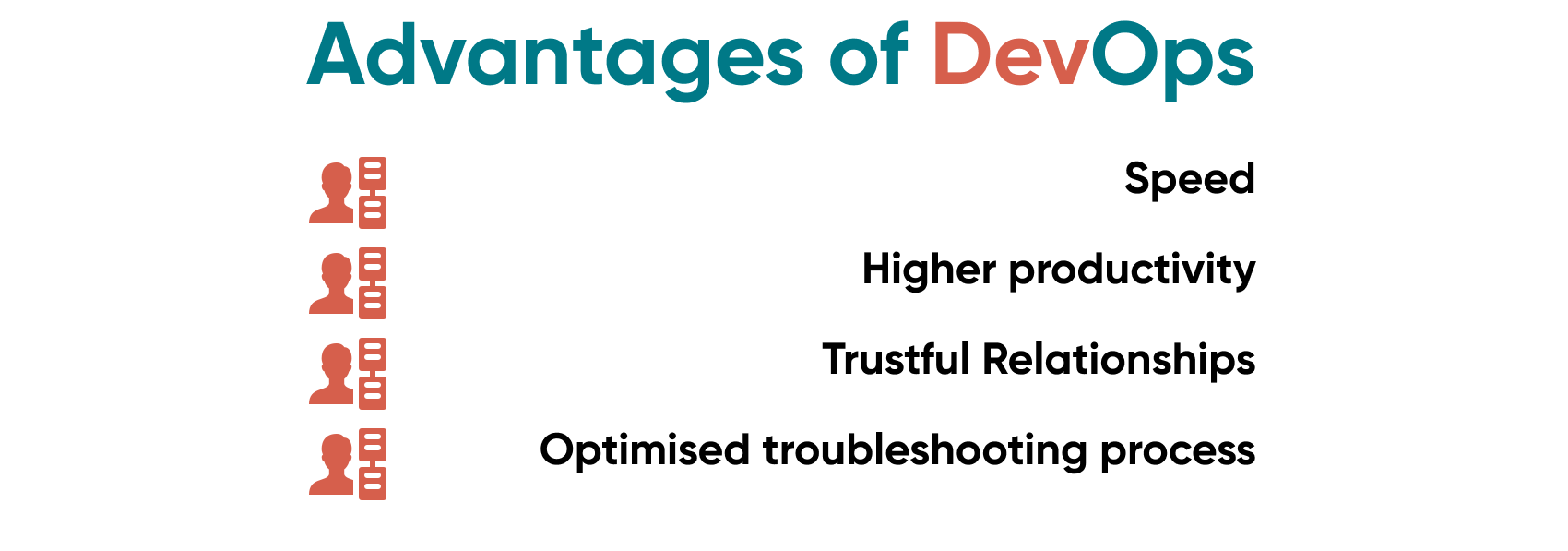
Speed
Teams that apply DevOps practices well release software faster without losing quality. DORA's 2019 Accelerate State of DevOps report found that elite performers deploy 208 times more often than low performers, and their lead time from commit to deploy is 106 times faster.
Without automated testing cycles and verification, releases to production slow down, and slow incident response erodes the team's confidence. When teams use different tools, maintenance costs rise and specialists lose time switching between them. A shared DevOps toolchain reduces both problems.
Optimised troubleshooting process
Short feedback loops let DevOps teams find and fix problems faster and cut downtime, because everyone can see what changed and who owns it.
Higher productivity
Every team gets unplanned tasks. DevOps practices make it easier to prioritise them and route each one to the right specialist, and automation takes routine work off people's hands.
DevOps challenges
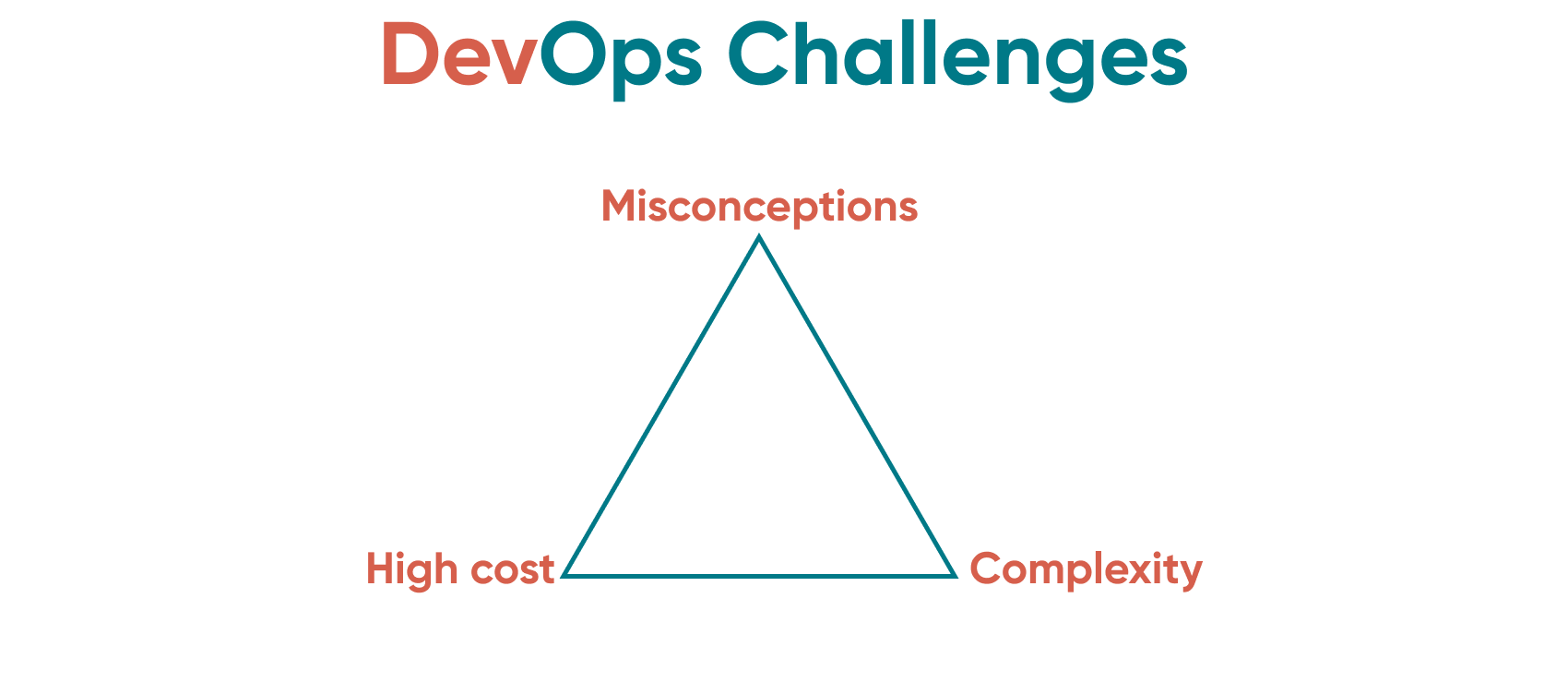
High cost
DevOps needs investment: tool licences, servers for more complex infrastructure, the time to configure it all and, often, a DevOps specialist's salary.
Misconceptions
Misunderstood DevOps principles lead to failed adoption. Programmers assume they now have to do systems administration. Managers try to build a continuous pipeline without automation tools. Some companies hire one DevOps engineer and give them too many roles, or simply rename the systems administration department. Teams then conclude, wrongly, that DevOps does not work.
Complexity
Adopting DevOps takes significant organisational change, because many specialists' roles and tasks change. Expect some resistance: people have to learn new tools and change how they are used to working.
What Is GitOps?
GitOps is a way to deploy cloud applications continuously and manage the infrastructure they run on. It is developer-centred: the team manages infrastructure through Git, the version control system they already use for code, and the Git repository becomes the single source of truth for infrastructure and application deployment.
GitOps applies DevOps practices from across the software development lifecycle, such as version control, collaboration, compliance checks and CI/CD (Continuous Integration / Continuous Delivery), to infrastructure configuration and automation. A GitOps workflow has three components: Infrastructure as Code (IaC), merge requests and CI/CD automation.
Two changes made GitOps practical: the spread of DevOps and CI/CD, and the move from monolithic codebases to microservices that run in containers managed by orchestration platforms such as Kubernetes.
Go Wombat uses both GitOps and DevOps practices in its projects. Call us to discuss your needs.
Git Definition
Git is a distributed version control system created by Linus Torvalds in 2005. It lets a team work on one codebase in separate branches and merge them into production-ready code. The merge request is central to GitOps: it is how a developer asks to add their changes to another branch.
Git keeps every earlier version of the code, so developers can roll back to the last working version. GitHub is a hosting service built on Git, but Git itself is open-source software that can be installed anywhere.
Despite the name, GitOps does not require Git; the same practices work with other version control systems. Most GitOps projects use Git because it is so widely used for CI/CD in DevOps.
Benefits of GitOps
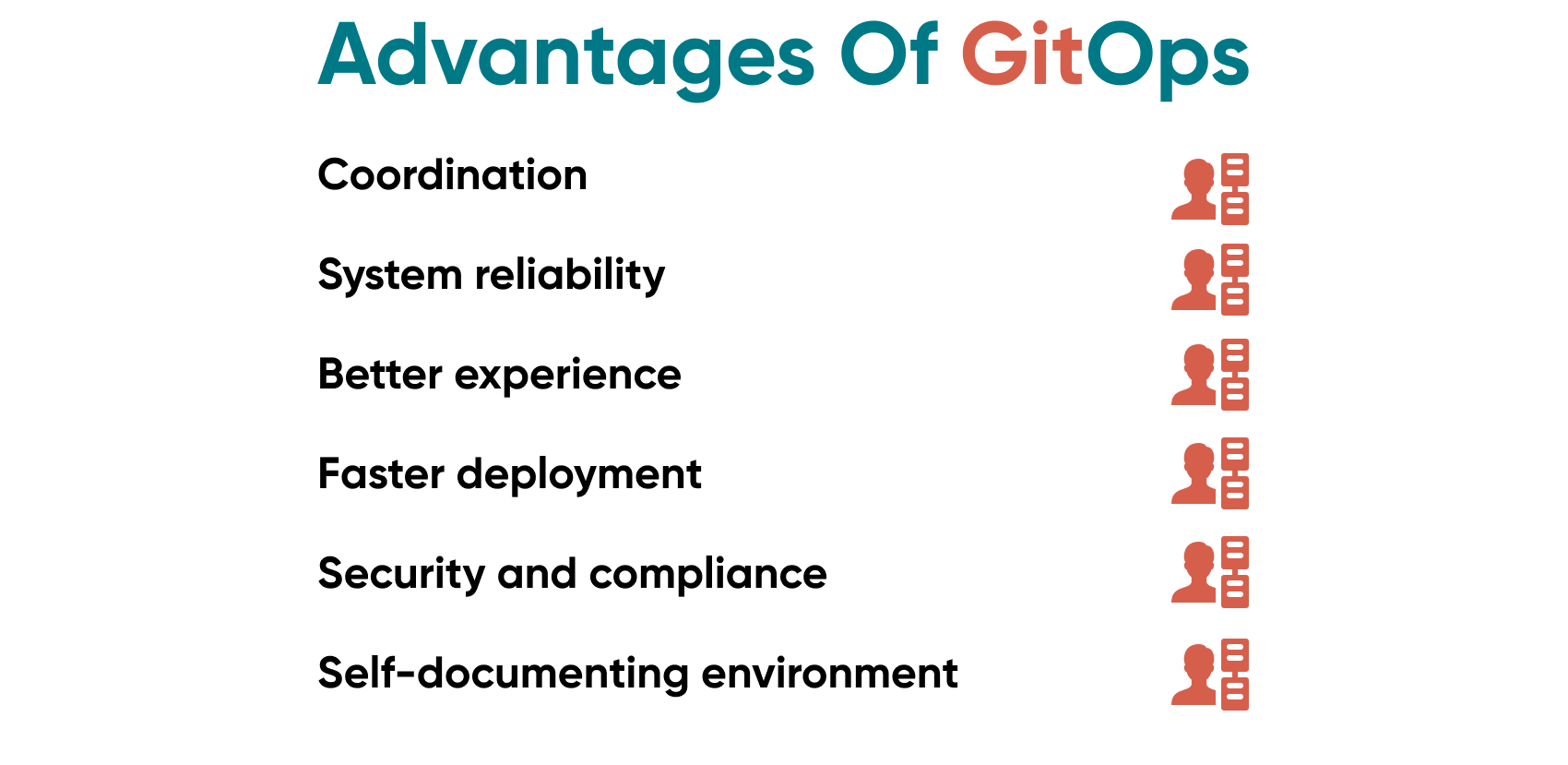
Better Developer Experience
Developers can configure Kubernetes-based infrastructure through Git without knowing its internals, which helps new team members become productive sooner.
System reliability
If a deployment fails, you can roll back to the last stable version with Git, which shortens recovery time.
Self-documenting environment
The main branch shows the full history of changes and exactly what was deployed. That record also makes it easier to work with other teams and bring new people up to speed.
Security and compliance
GitOps helps companies build secure software and track compliance: every change goes through a merge request, and you can restrict who is allowed to merge to protected branches.
GitOps Challenges
The first challenge is the approval process, which takes time. A developer changes the code and opens a merge request, an approver merges it, and only then is the change deployed. Engineers used to making quick manual changes often find this slow.
Auditing has limits too. A GitOps repository stores the full history of changes, which helps with audits, but it consists of versions of text configuration files. Questions that are not about a specific change, such as when a particular application was deployed, mean digging through Git history and configuration files by hand.
GitOps vs DevOps: Comparison
The two are not competing methodologies, but there are a few key differences.
GitOps is a subset and extension of DevOps, but DevOps is not always GitOps. GitOps is about delivery, while DevOps covers a much wider range of problems.
GitOps is prescriptive. DevOps allows many ways to reach the same outcome, while GitOps prescribes specific ways to create and deploy services.
DevOps is a philosophy of how a team should build and run software, while GitOps relies on a specific tool: Git or another source control system. DevOps includes many practices, and GitOps is one of them.
Summing up
GitOps complements existing DevOps practices rather than competing with them, so the real choice is not GitOps vs DevOps. It is how much control to centralise: a slower, centrally controlled process or a faster, developer-centred one.
For advice on your current or next project, contact Go Wombat.
Share and subscribe to our blog
Related articles

How to Create a Mobile App from a Website
When a website needs a mobile app, how native and cross-platform apps compare, a React Native project of ours, and the steps to convert a website into an app.

How Can IoT Software Solutions Boost Your Business in 2026?
How IoT software works, the business models it enables, the opportunities it creates and the integration and security problems to plan for.

Cloud Data Security: Protecting Sensitive Data
What cloud data security covers in private, public and hybrid clouds, why the Capital One, Uber and Accenture incidents happened, and the controls that prevent them.

How can we help you?

