How to Improve Employee Morale with Workflow Automation


Our article on the secrets of HR automation looked at the processes involved.
This one looks at how workflow automation software can improve employee morale, motivation and efficiency.
Why automation matters in the HR department
Automation makes processes more efficient, but its effect on employee morale matters as much. People who are unhappy with their work environment do worse work, and the dissatisfaction can spread to their colleagues.
This article shows how automation lifts morale, why you should measure morale, and two HR automation projects Go Wombat has worked on.
Manual tasks that hurt employee morale
Here are a few examples of manual tasks that slow down the rest of your business and how automation can help.
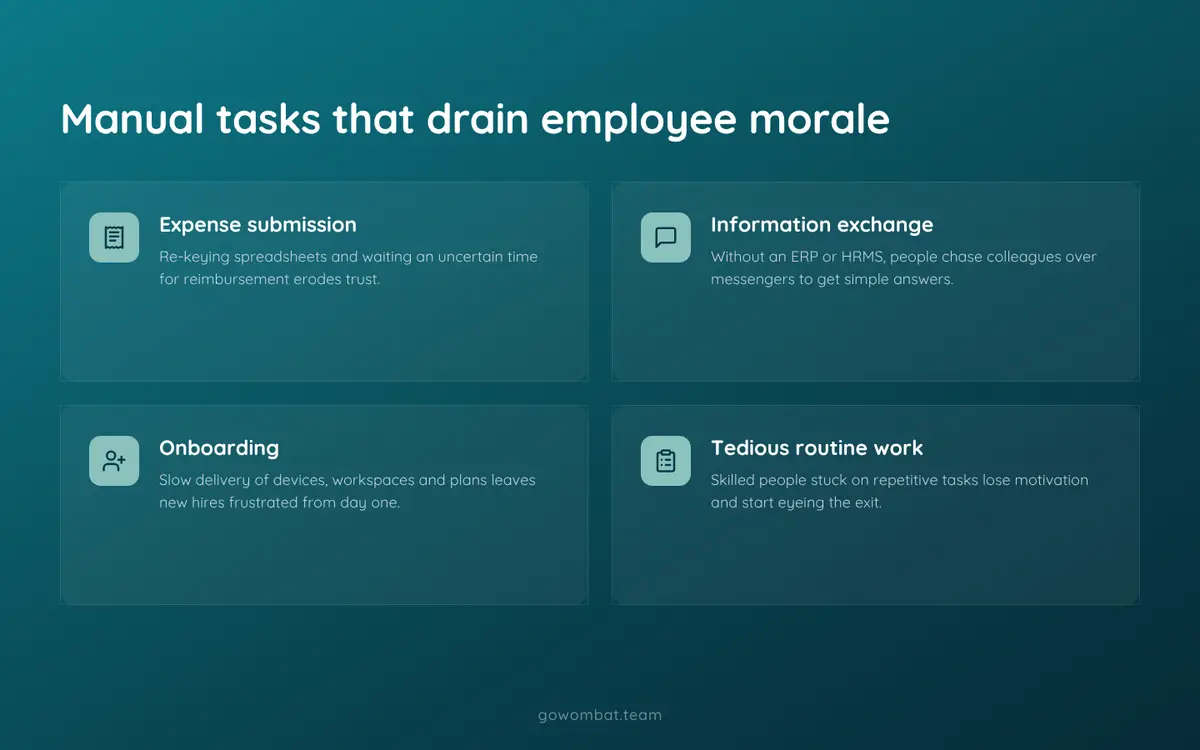
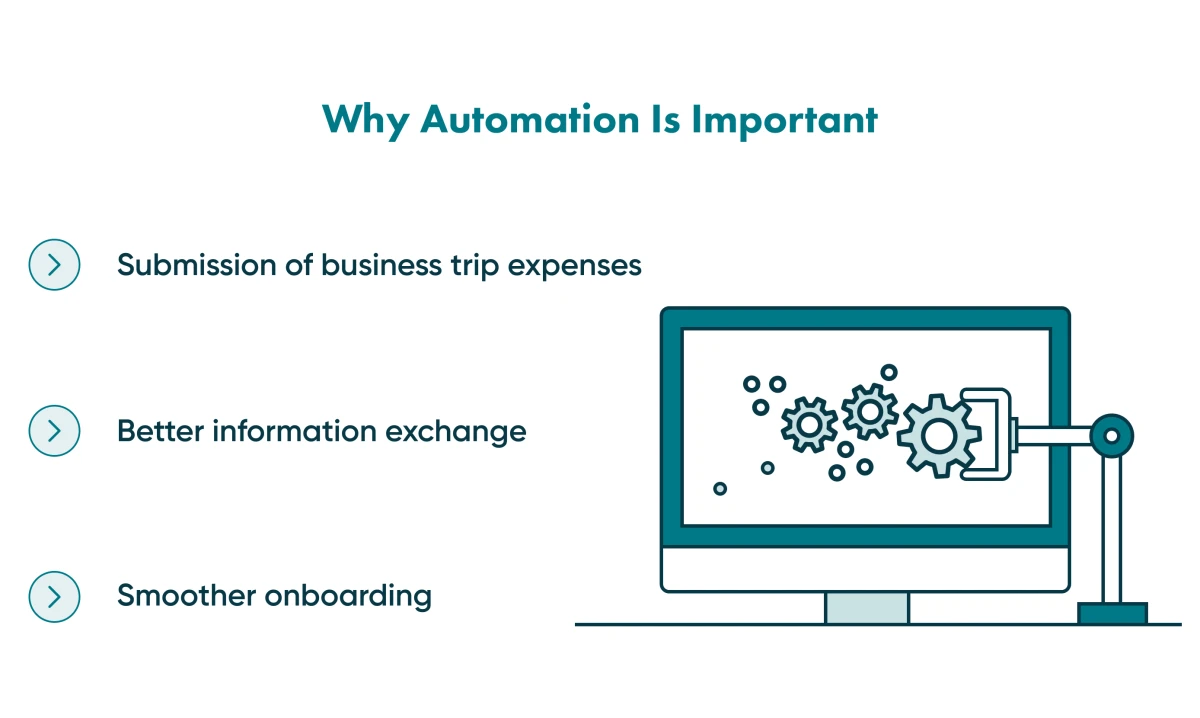
Submission of business expenses
Take a typical claim for travel expenses.
Without automation, employees fill in an Excel or Google Sheets spreadsheet with the expenses plus their name, position, contact details and so on.
Then they send it and wait, for an unknown time, for approval and reimbursement.
With an automated workflow, employees fill in a form with the amount only; their personal data is already in the system.
Claims are reimbursed faster, and employees stop worrying about paying work expenses out of their own pocket.
Information exchange
Without an ERP (enterprise resource planning) system or an HRMS (human resource management system), employees use messengers to request information, arrange meetings, schedule calls and organise other tasks.
These systems make that work faster and simpler, and automate the routine parts.
Go Wombat develops HR and resource planning software; our article about the ERP benefits includes a case study.
Onboarding
Manual onboarding delays work devices, workspaces, plans and other resources, which frustrates new employees from their first days.
Employees who don't have the right resources find it hard to stay motivated.
Routine tasks
Skilled employees don't want to spend their days on manual, routine work.
When they are stuck with tedious tasks, they start to doubt the company and whether they are doing the job they were hired for.
When frustration builds up, employees lose motivation and start thinking about leaving their employer.
They have less time for their main tasks and see little output from their work, which feels like stagnation.
Automating these workflows with systems built for your processes gives people time for the work they were hired to do.
How does workflow automation improve employee morale and motivation?
Most employees want to do a good job and see that their work produces results.
When they can't see the impact, morale suffers.
Automation shortens training and onboarding, reduces errors and removes manual tasks.
Employees can focus on the tasks of their role, and their skills are put to proper use.
Introducing automation also shows you where the business's pain points are and helps you assign tasks to the right people.
Why measure morale?
Measure employee morale the way you measure other business results, so you can see where productivity suffers and whether people work in a comfortable environment.
Measuring alone is not enough. If you collect employees' concerns and then do nothing, dissatisfaction and disengagement will grow.
Automation is one way to act on what you hear: it takes pressure off employees and gives them the right resources.
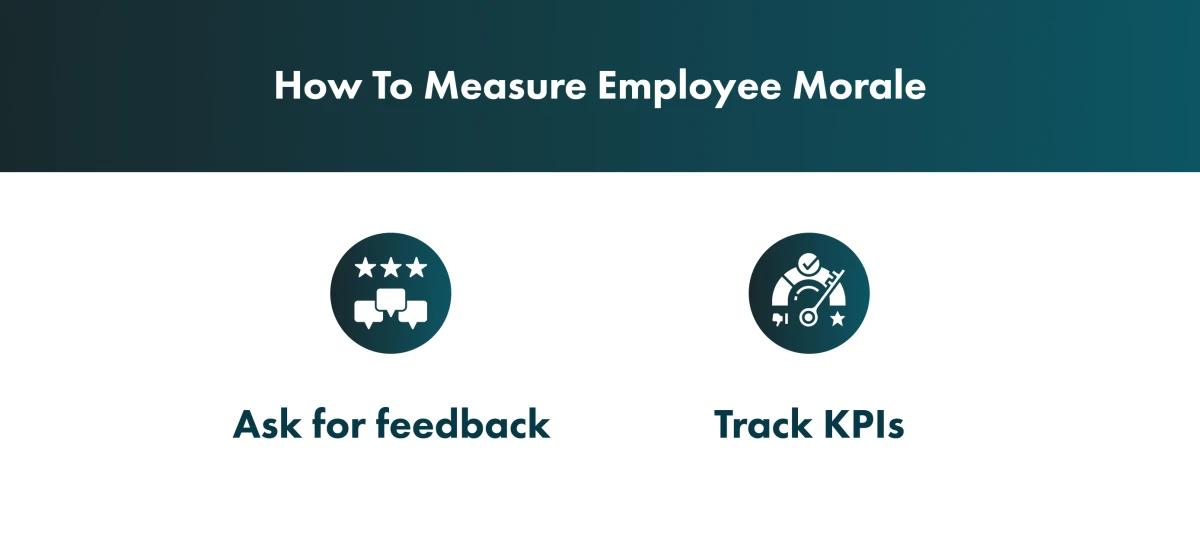
Track KPIs and ask for feedback
The simplest way to find out how to improve morale is to ask employees directly.
Run a survey, analyse the answers and decide which workflows to automate first.
Then make the changes, so employees see that their feedback led somewhere.
This affects performance. A 2017 Salesforce Research study of more than 1,500 people found that employees who feel heard are 4.6 times more likely to feel empowered to do their best work.
How automation contributes to quality and efficiency
In a 2020 survey by McKinsey, two-thirds of respondents said their organisations were at least piloting the automation of business processes in one or more business units or functions.
The McKinsey Global Institute estimated in January 2017 that automation could raise global productivity growth by 0.8 to 1.4% a year.
Go Wombat’s HR workflow automation projects
We have worked on a number of HR projects that involved automation.
Here are two of them: one for recruitment and one for employee satisfaction.
Case study #1: The Right Five project
The Right Five is a cloud solution built for B2B startups.
The project’s goal
B2B companies often struggle to hire the right sales representatives, who need technical knowledge and soft skills that vary by industry as well as sales ability.
The platform lets them create a recruitment assessment.
The assessment is sent to candidates as a link. Once they submit their answers, an algorithm picks the top five candidates and sends the results to the HR team.
A challenge to deal with
Go Wombat was tasked with creating an algorithm that could help HR teams find the right candidate.
The client provided the input data, and our business analysts and solutions architect developed the calculation system.
Tech stack
The back end was built in Python, which let the team build a scalable solution in a relatively short time.
The front end was built in JavaScript with React and talks to the back end through a REST API. The team used AWS cloud services and other technologies such as Celery.
Results and current use
Our team built The Right Five's engine and its features. The product has since evolved: it now describes itself as an assessment of candidates' startup mindset (initiative, adaptability, ownership) for any role, and the company has announced a new SaaS version.
Read our full breakdown of this case.
Case study #2: The Cultural Calculator project
The second project collects employees' opinions, the kind of feedback described above.
The project’s goal
Cultural Calculator is a web-based HR service for creating and distributing surveys.
Companies use it to survey employees about their preferences, concerns, and what they are satisfied or dissatisfied with.
The results go to a statistics dashboard, where the system turns them into charts and diagrams.
Employers can also run long-term campaigns: a series of tests that employees complete by set deadlines, for example every week or month.
To automate a workflow in your company, contact us.
A challenge to deal with
The hard part was the calculations behind the charts.
Our developers found a way to use as few database queries and Python operations as possible.
Tech stack
The back end was built in Python with the Django framework.
The front end was built in plain JavaScript.
The Google Forms API creates the tables where answers are recorded, and the NumPy library calculates trends for the charts.
NumPy also solved the calculation problem above: the required calculations happen when the data is extracted from the database.
The system runs on AWS: Amazon S3 hosts the front end and EC2 runs the back end.
Results and current use
We built a custom system for calculating statistics and building dashboards for different purposes.
The system collects all data in a report that can be shared with users or downloaded.
Its goal is to show how satisfied employees are in different situations and how specific activities affect the atmosphere in the company.
Read the detailed Cultural Calculator case study.
3 steps to prepare your company for automation
Three steps make the change easier for your team.
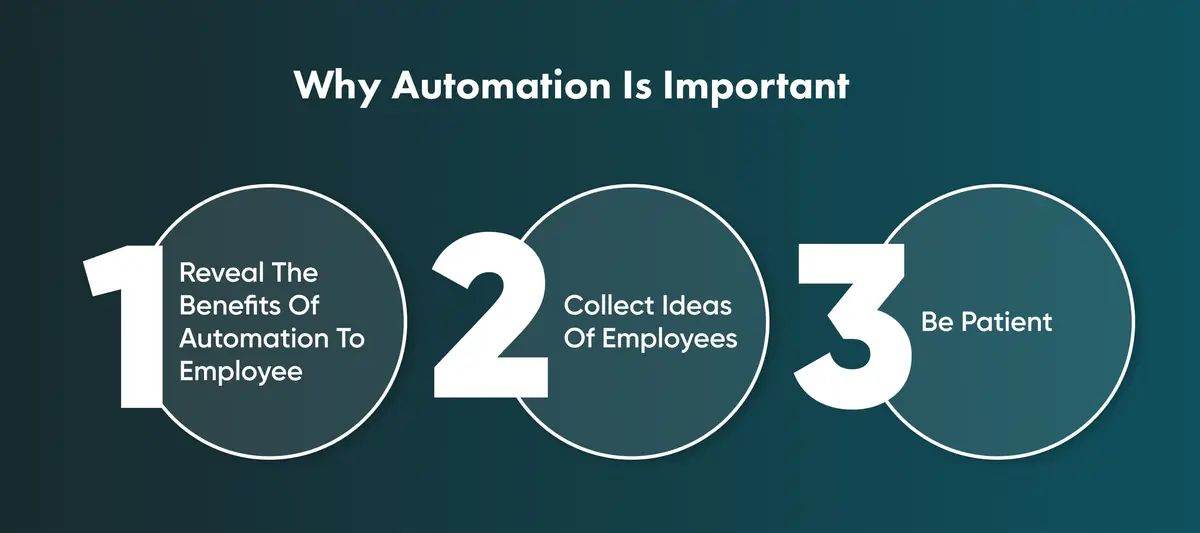
1. Discuss the benefits of automation with employees
Staff who don't know how automation will be used may doubt its benefits.
Before rollout, show each team which of its tasks the system will take over.
Hold meetings with employees, or with heads of departments who then brief their teams, to explain the changes and build acceptance.
2. Collect ideas from team members
Employees know their own tasks better than anyone.
Ask department leaders to encourage automation ideas from their teams.
Let employees point out the repetitive processes they want to change.
Consider a bonus for useful automation suggestions: it motivates staff to come up with ideas that benefit the whole company.
3. Be patient with the implementation of digital workflow automation
Not everyone will welcome a new process.
That is normal, but it can hurt morale for a while. Quick morale boosters help, but lasting results need systematic, long-term changes.
Some people will resist, so management needs a plan for handling scepticism and keeping people moving.
Listen to the objections and make real changes based on them.
Automate tasks in your organisation with Go Wombat
To discuss automating processes in your business, contact us and book a consultation.
Share and subscribe to our blog
Related articles

The Secrets of HR Automation
Which HR tasks to automate first, the benefits and risks of HR automation, and a case study of a candidate-assessment SaaS we built with Python and Django.

Five Proven Strategies To Automate Business Processes
What business process automation (BPA) is, what can and cannot be automated, five strategies for introducing it and the benefits to expect.

How Do Internal HR Mentoring Programs Foster Growth Within Departments
How to design, run and measure an internal mentoring program for an HR department: needs analysis, mentor selection and matching, feedback and KPIs.

How can we help you?