



Kubernetes vs Docker

Docker packages an application with its dependencies into a container. Kubernetes runs many such containers across servers and restarts them when they fail. So the question of Kubernetes vs Docker is less about choosing between rivals than about which job you need done.
This article explains the concepts behind both tools, deployment and containerisation, and how Docker and Kubernetes work together.
Kubernetes and Docker Engine are open source, and major cloud providers support components of both. Docker Desktop, however, requires a paid subscription for larger organisations (250 or more employees, or more than $10 million in annual revenue).
What is deployment?
Once software is designed and developed, it needs to be deployed. Deployment is the process of publishing a new version of code to servers.
For more on deployment, see our article on the software development life cycle.
What is containerisation?
Developers have long run into the problem of “it doesn’t work on my machine”. Containerisation reduces it: a program packaged in a container works the same way wherever the container runs. Containers existed before Docker, which was released as open source in March 2013 and initially ran on LXC.
An analogy
To use an analogy, think about shipping containers for physical goods. Imagine you produce a type of drink that needs to be kept cool, but you need to ship bottles of this drink over a long distance. So you use a container that has a refrigeration system to maintain the environment that your product needs in order to stay fresh (and be enjoyed by the consumer).
Containerisation means packaging your code into a ‘container’ with everything it needs to run: the code itself plus the runtime environment, libraries, system tools and settings.
What is Docker?
Docker is the most popular software for containerisation. It is an open platform for developing, shipping and running applications: you package an application with all its dependencies into a container, and it runs the same way wherever that container runs. Docker works well for building, deploying and running containerised applications on a single machine.
In short, Docker creates containers with the environment an application needs and makes them easy to manage.
A Docker feature
A Docker image is made of layers. Each instruction in the image build adds a new layer on top of the layers of the base image, and other people can build their own images on top of yours, adding further layers.
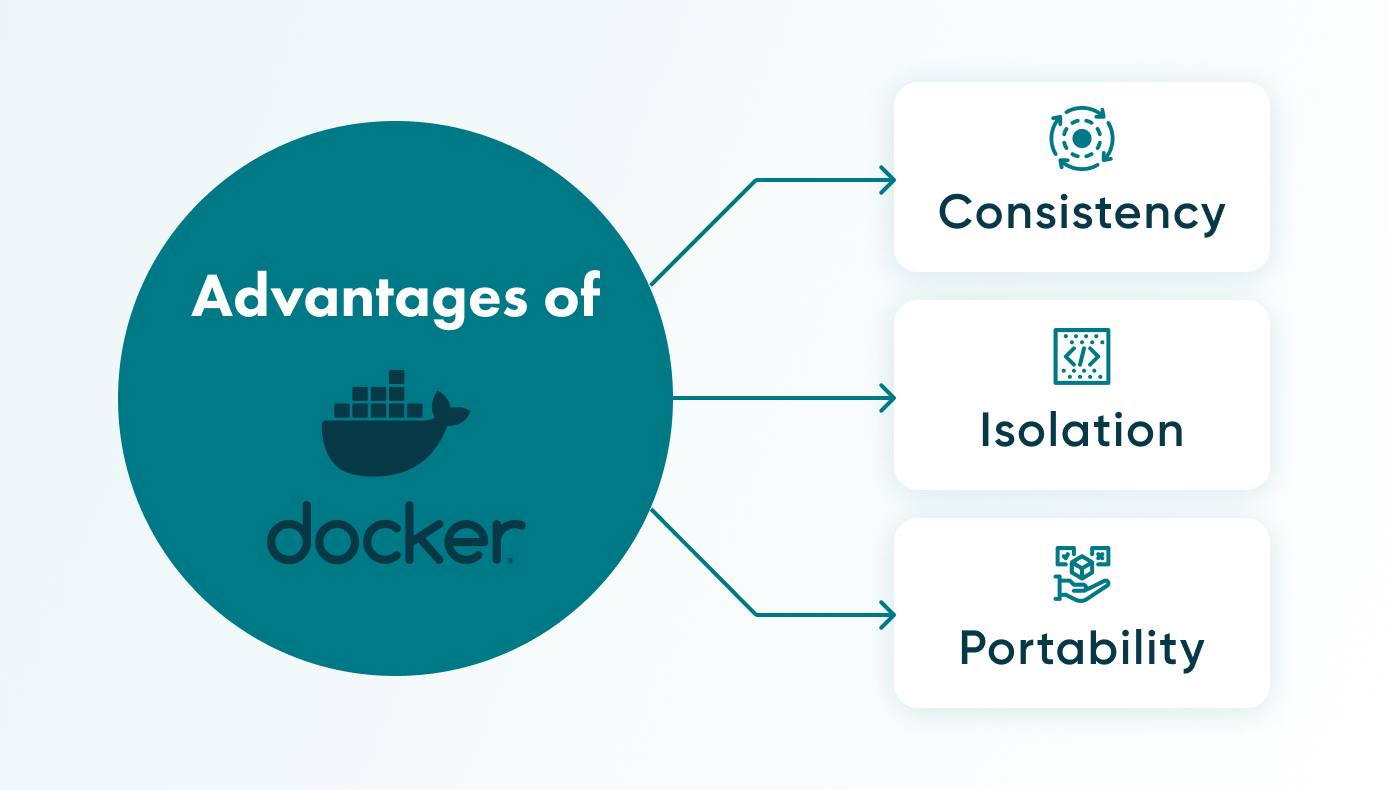
Advantages of Docker
Docker and containers allow you to run a program with its dependencies on different computers with different characteristics. These 'dependencies' include libraries, system tools, and other files. Thus, it solves the problem of the need to manually install different libraries or packages with their correct versions.
The main advantage is that the program works the same way on every machine that runs the container.
Consistency
As mentioned above, developers have encountered a common problem known as “it doesn’t work on my machine”, where a piece of software works on one machine but doesn’t work on another due to differences in environment. Docker containers solve this problem by providing a single environment for software to run from development to production.
Isolation
Docker also eliminates the need to manually manage and install different packages or libraries with their correct versions on each individual machine where the software should run. Instead, the correct versions of the dependencies are included in the Docker container and isolated from the rest of the system, which means they won’t interfere with other programs installed on the machine.
Portability
Docker containers are also relatively lightweight and quick to start, because they share the kernel of the host machine instead of needing a full operating system for each application, as virtual machines do. For the same reason, a Linux container needs a Linux kernel: on Windows, Docker Desktop provides one through WSL 2, and on macOS through a virtual machine. Containers are portable between Linux hosts rather than between operating systems as such.
What can you do with Docker?
When you have a project that uses different libraries or packages without which it will not work, you can pack them all into a Docker container together with the project (here: the code). In general, you will have an isolated environment with your code and all the dependencies you need to make it work.
Isolation also improves security. Because containers provide reproducible environments, Docker is widely used for DevOps, testing and QA, and its portability suits microservices architectures and multi-cloud or hybrid environments.
What is Kubernetes?
The word kubernetes comes from the Greek, meaning “helmsman” or “pilot”. In the world of software development, Kubernetes is a platform that, in effect, ‘takes the helm’ of containers – or orchestrates them. It’s a system for automatically deploying, scaling, and managing containers.
Kubernetes, sometimes called K8s, manages a network of containers (for example, containers built from images created with Docker), handles their communication, manages their resources and provides fault tolerance.
Kubernetes pod and other key components
A pod is a group of one or more containers that share resources, being the smallest unit of deployment in Kubernetes. Pods are hosted by nodes, or worker machines, which run containerised applications. And a set of one or more of these nodes makes up a cluster.
Container runtime options in Kubernetes
A container runtime, also called a container engine, is the software that runs containers on a host. Kubernetes works with any runtime that implements its Container Runtime Interface (CRI), such as containerd or CRI-O.
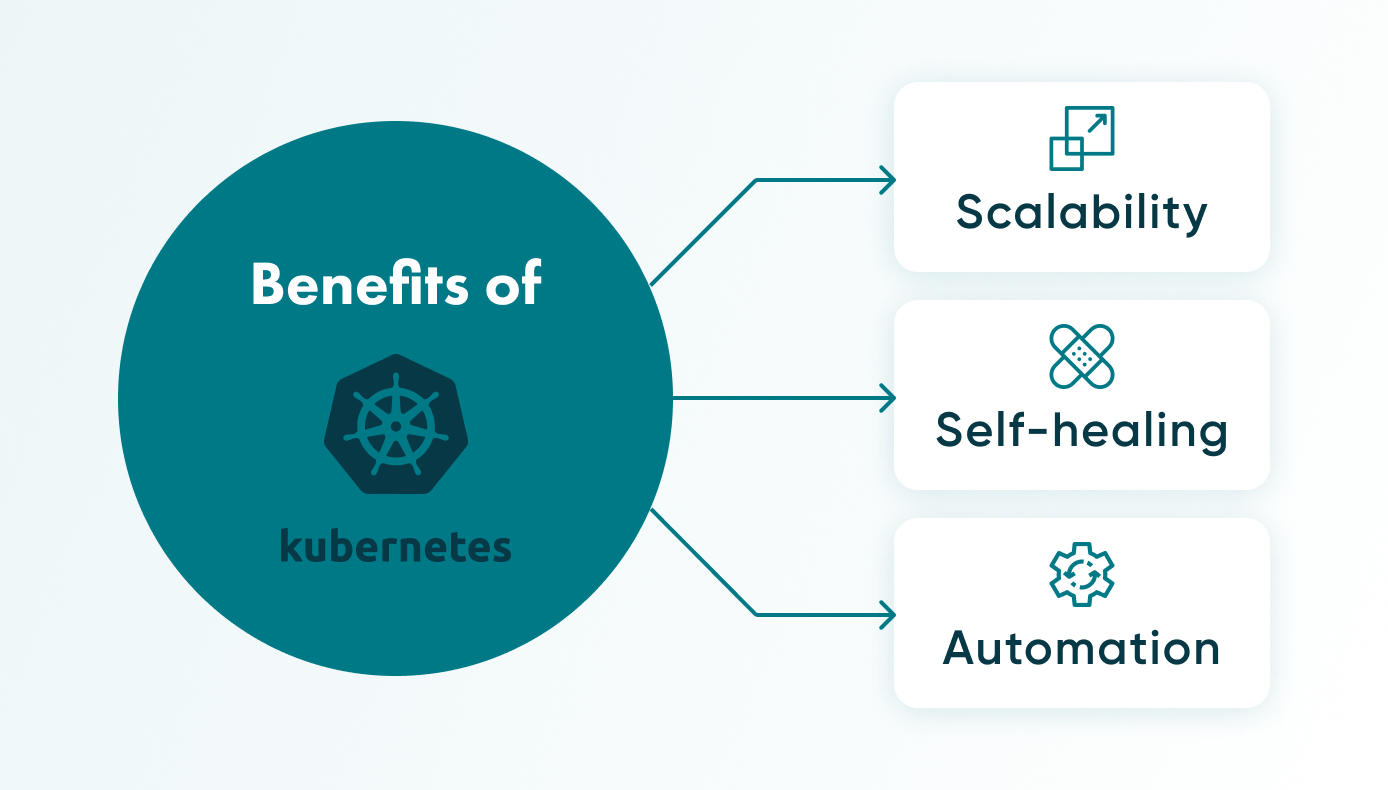
Benefits of Kubernetes
The main benefit of Kubernetes is that it orchestrates many containers at once. In more detail:
Scalability
When your application needs to handle increased demand, Kubernetes can automatically scale it up based on defined metrics or resource usage.
Self-healing
If something goes wrong with containers, Kubernetes can ‘kill’ them, replace them, and/or restart them.
Automation
You can configure how you want the desired state of your application to be and Kubernetes will ensure that the actual state matches that.
What is Kubernetes used for?
If you have complex, scalable containerised applications running on multiple machines, Kubernetes can be used to manage them. Its capabilities can be employed in not just application deployment and management, but also in microservices architecture, big data and analytics workloads, and, increasingly, in AI and machine learning, among other uses.
What’s the difference between Docker and Kubernetes?
Comparing Kubernetes vs Docker is like comparing apples and oranges: the two are not competitors. They do different jobs and complement each other.
If you want to build containers, package and distribute them, and run them on a machine, you use Docker. If you want to manage and automate the operation of those containers, controlling where and how they run, that is where Kubernetes comes in.
In short, Docker packages applications into containers, and Kubernetes deploys and operates them across a cluster.
Using Kubernetes and Docker together
In practice, Docker is used to build container images, and Kubernetes runs and manages the containers. Since Kubernetes 1.24 (2022), Kubernetes no longer uses Docker Engine as its runtime, because dockershim was removed: the kubelet runs containers through a CRI runtime such as containerd or CRI-O. Images built with Docker work as before.
Going back to our analogy above with physical shipping containers: you could think of Docker as the team and equipment used to build the container for your drink product, making sure to include a refrigeration system (the environment it needs). Kubernetes would be like the team and equipment (cranes, for example) that move around and stack your containers, but that also make sure they’re all in working order, and even replacing those that aren’t.
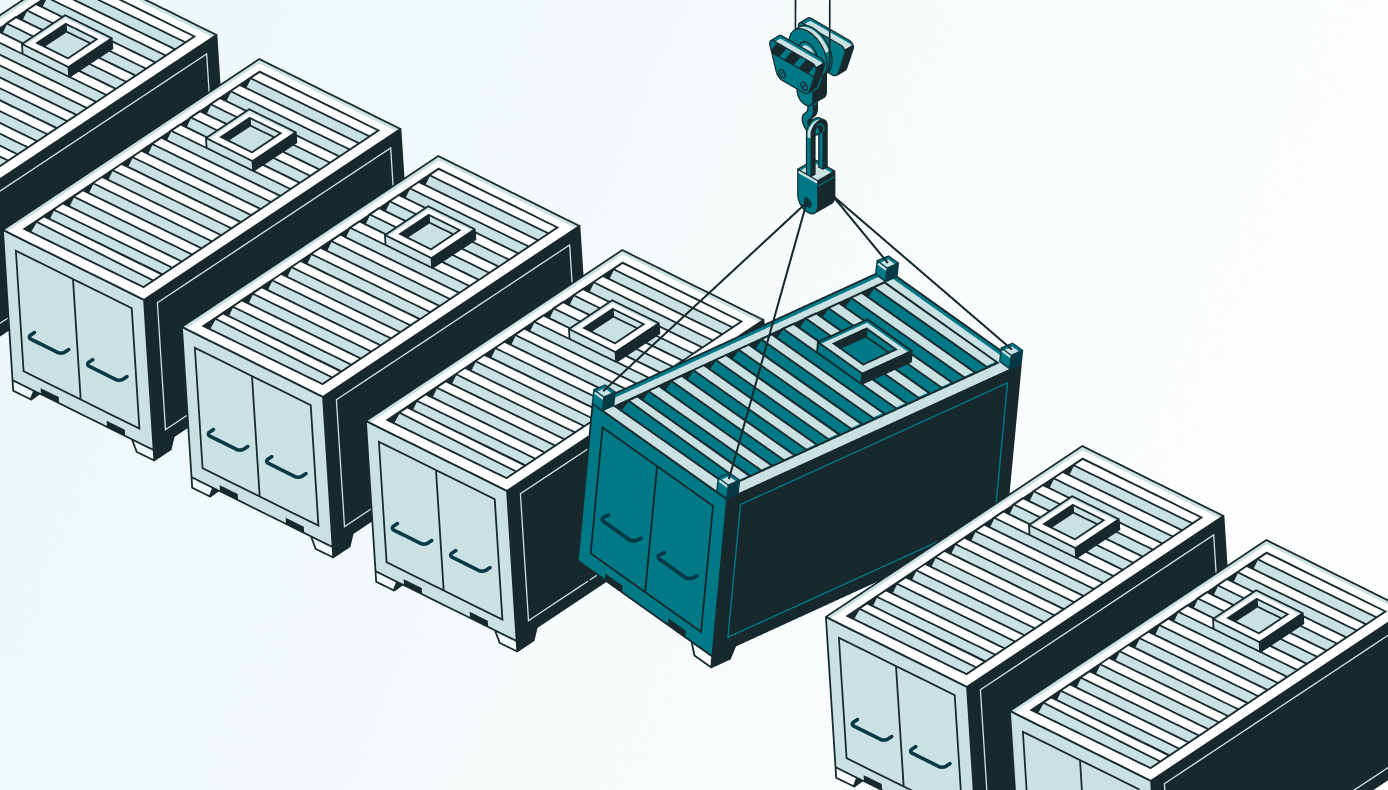
Together, they give you a portable, scalable setup that uses resources efficiently.
Companies that use Kubernetes and Docker
Public case studies show both tools at large scale. Spotify's case study on kubernetes.io describes how it uses Docker and Kubernetes, and OpenAI has written about running Kubernetes clusters of 7,500 nodes.
Future trends
Kubernetes remains the default choice for container orchestration, especially in enterprise settings, and Docker remains the usual tool for lightweight, single-container scenarios. There are alternatives, such as Nomad, a scalable cluster manager and scheduler.
Docker Swarm vs Kubernetes
Docker Swarm is another orchestration alternative. It allows for the management and deployment of Docker clusters. Kubernetes is known for having a steep learning curve, whereas Swarm is appreciated for its ease of use, as it is integrated into the Docker Engine.
Dealing with risks and configurations
In general, they \[Kubernetes and Docker] reduce the risks associated with development and deployment. But there are potential risks associated with container and server architecture. For example, you need to be sure that the container is secure and free of vulnerabilities. The same with the configuration of the Kubernetes cluster, it must be properly configured and protected. There are also issues in the choice of Docker image version control strategy and Kubernetes configuration.
\- Andrey Sokolov, Backend Developer
Mixing Kubernetes configurations with Terraform can help deploy infrastructure faster.
We may also see AI generate more Kubernetes configurations, saving developers manual work.
Cost control
Kubernetes and Docker Engine are free to use; the costs come from the infrastructure they run on and the expertise needed to operate them. Keeping those costs under control is an ongoing task.
Continued education
Teams need training and experience to use both technologies well and to judge when they are worth adopting.
Need developers to implement Docker and Kubernetes? Contact Go Wombat.
Conclusion
Comparing Docker vs Kubernetes is like comparing different animals: each tool has its own job. Docker builds container images; Kubernetes runs and manages containers across a cluster.
They complement each other. A common setup is to build images with Docker and run them on Kubernetes with a runtime such as containerd.
Share and subscribe to our blog
Related articles

What Is the Software Development Life Cycle (SDLC) in 2026?
The software development life cycle (SDLC) explained: the 7 phases, 6 common models, team roles, secure SDLC requirements and how AI is changing the process in 2026.

Native vs Cross-Platform Mobile Development: How to Choose in 2026
Compare native, Flutter and React Native development to find the right approach for your mobile product based on performance, cost, speed and scalability.

How Do You Build a Logistics Agent Network That Reroutes Freight Autonomously in Real Time?
A logistics agent network is a system of autonomous AI agents, each assigned a defined role, that monitor freight status, exchange decisions, and reroute shipments without waiting for human input at every step.

How can we help you?

