A Comprehensive Guide to EHR System Development


Electronic health record (EHR) systems are one of the biggest changes digitalisation has brought to healthcare. Patients use apps to ask specialists questions before deciding whether to visit a hospital, and practitioners use software for communication, scheduling and treatment.
Ready-made EHR products exist, but they don't always fit a practice's processes. A custom EHR system can include features designed specifically for yours.
This guide explains what an EHR is, how it differs from an EMR, what benefits and features it offers, and how to build one for your practice.
What is EHR?
Electronic health record software stores medical information about each patient, such as diagnoses and treatment plans.
EHR systems store patients’ medical histories, giving doctors a comprehensive picture of each person’s health. In addition, the software makes it possible for patients to share health information with clinics, labs, pharmacies, and healthcare specialists.
Difference Between EHR and EMR
EMR stands for electronic medical records. The term is often used as a synonym for EHR, but the two are not the same.
In short, EMR is a part of EHR.
An EMR stores medical and treatment history within one practice or speciality, such as cardiology or dentistry. Physicians who don't need a patient's entire medical history can work with an EMR.
EHR is a broader concept that covers all of a patient's medical information and is designed to be shared with other physicians and healthcare facilities.
Types of EHR systems
Developing an EHR system starts with choosing how it will be hosted. There are two common types.
Physician-hosted systems
All data is hosted on the physician's or clinic's own servers. The facility buys and maintains the software and hardware and is responsible for the security of the stored data.
This option suits large clinics that can cover the cost of buying and maintaining the software and hardware.
On-site servers can also give better performance.
Remotely-hosted systems
All the information is stored on a third-party server. Physicians pay for data storage, and the vendor is in charge of maintenance, security and backups.
Clinics don't have to manage data storage themselves, but performance can be lower than with on-site servers.
This brings an inherent advantage, but keep in mind that physicians must ensure that the third-party vendor adheres to GDPR compliance and other relevant regulations.
If you are not sure which type you need, ask Go Wombat.
The advantages of EHR systems
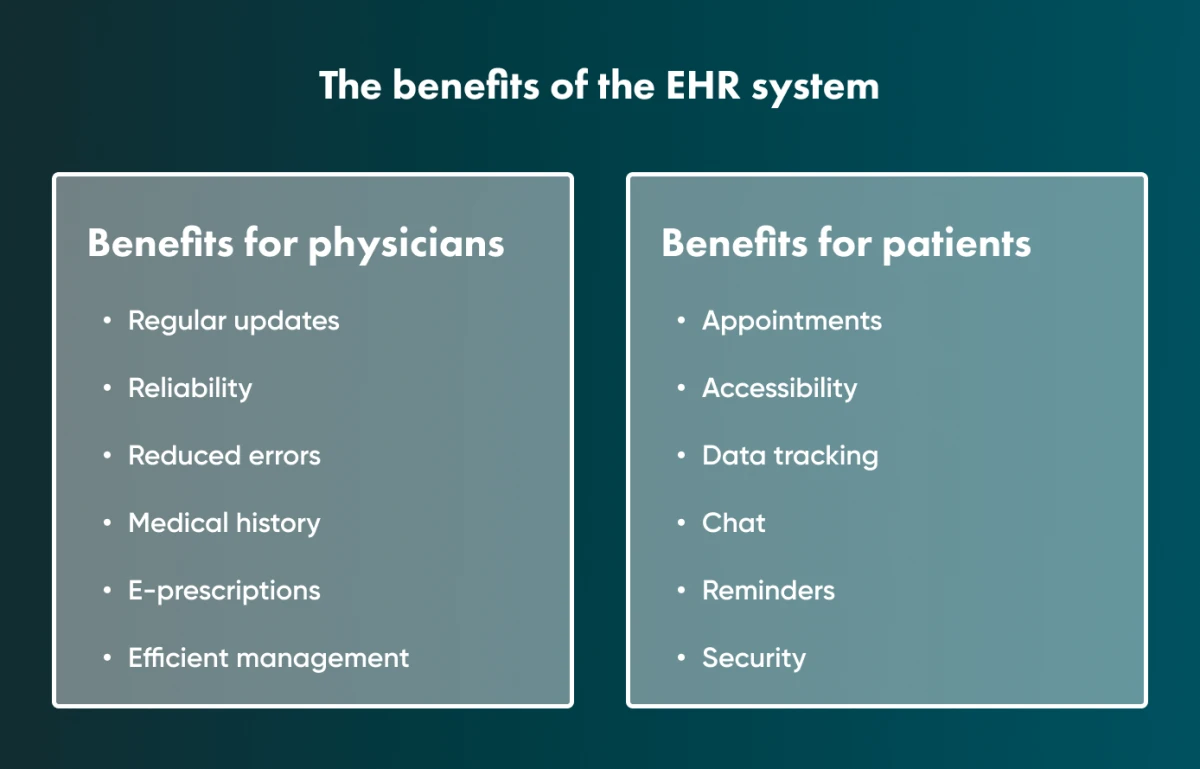
EHR systems benefit both physicians and patients.
Physician Benefits
Regular updates
EHR software is updated regularly to reflect changes in regulations and care guidelines.
Reliability
Digital records can be backed up, so a lost folder or a damaged paper chart no longer means lost data. Backups still have to be planned and tested, because digital data can also be lost or locked, for example in a ransomware attack.
Reduced errors
EHR automates many processes and simplifies the recording of critical information, which reduces errors.
Medical history
Physicians have quick access to their patient’s medical and treatment histories 24/7.
E-prescriptions
Doctors can create drug prescriptions right in the EHR program. Also, they can add or remove drugs from a specific treatment process in the health records system.
Efficient management
Physicians can group patients and manage their records more efficiently.
Patient Benefits
Appointments
Patients can book and manage appointments with a doctor online.
Accessibility
Patients can ask their doctor questions directly, which can save a visit to the clinic.
Data tracking
Patients can track all the vital information like lab results, doctor’s notes, and prescriptions.
Chat
Many EHR systems include a chat for patients and physicians.
Reminders
The system can send push notifications to remind patients about bills, appointments or when to take medicine.
Security
A well-built custom EHR protects medical information with access controls and regular backups.
Ready-made or custom EHR system: which one is better?
There are two ways to bring EHR software into a practice or hospital:
- Use an off-the-shelf software solution.
- Create a custom one that is designed to meet your needs.
Ready-made software
There are many EHR products on the market, so you will need to compare their features and capabilities.
Pros
Out-of-the-box EHR software can be set up quickly, and you pay for it by subscription.
It comes with an existing ecosystem that needs little configuration.
Cons
It may not integrate well with the third-party software you already use, and over the years a subscription can cost more than developing a custom EHR system.
Staff may need extensive training, and not every vendor provides good training materials.
Custom software
Pros
Developers design a custom system to integrate with the third-party software you already use.
It is built around your requirements and can be extended as they change.
Because it follows your existing workflows, staff usually need less training, and the developer can prepare training materials for your team.
You can also offer the system to other practices as SaaS (software as a service) and earn additional revenue.
Cons
It takes longer to build a new system than to start using an existing one, and you need to budget for maintenance.
Custom development pays off when you need integrations or workflows that off-the-shelf EHRs don't support; otherwise a subscription product is cheaper to start with.
The must-have features of EHR software
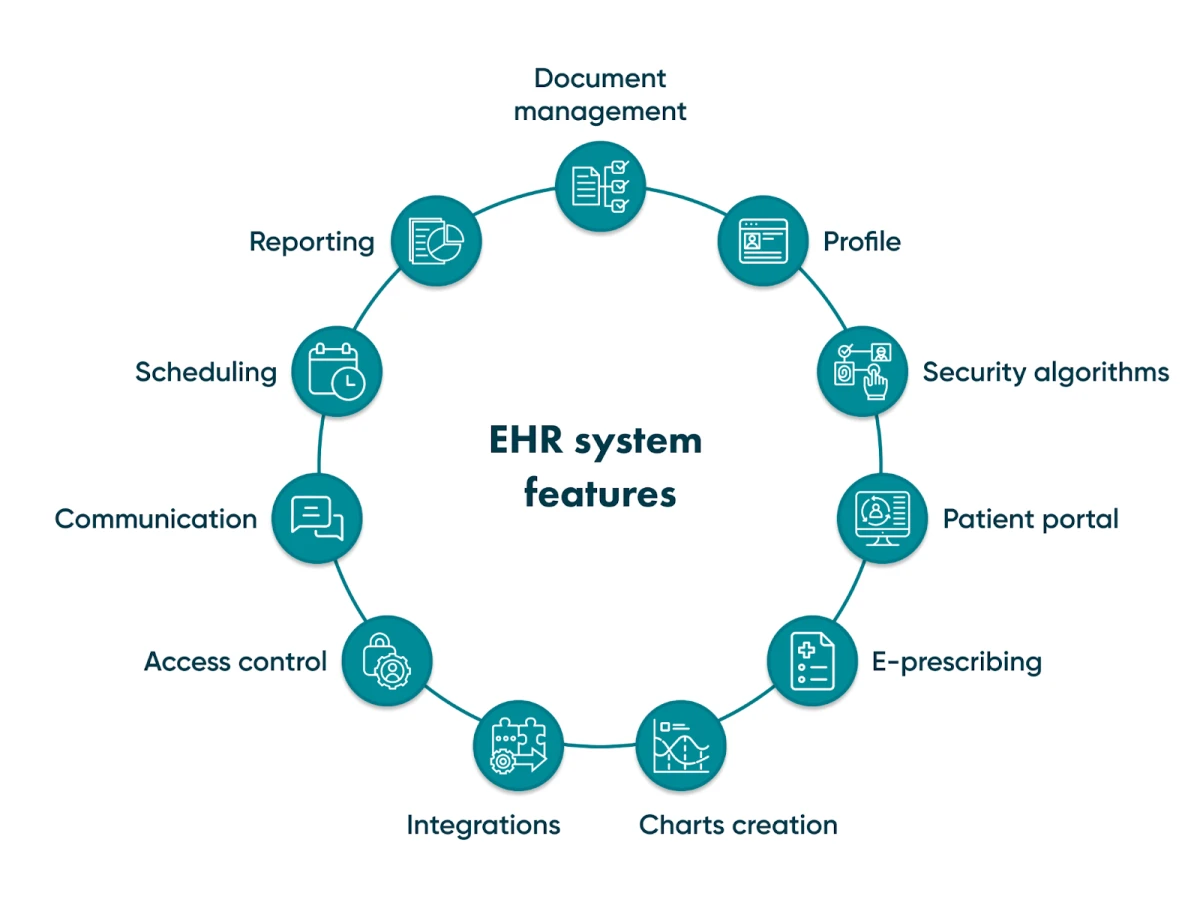
The final feature set depends on your requirements, but most EHR systems need the following.
Document management
The system should let staff upload, organise and find documents.
Patient Profile
Every patient should have a profile with health records. The profile shows the entire medical history, treatment plans, lab test results, and so forth.
Having this information in one place helps doctors make a more accurate diagnosis, monitor treatment and prescribe appropriate medicines.
Security algorithms
An EHR system stores the personal and medical data of many patients, so security has to be designed in from the start.
Patient portal
The patient portal is different from the patient profile: it is where patients themselves fill in intake forms with information about their health.
Patients also use the portal to see recommended vaccinations, receive notifications, check treatment plans and book appointments.
E-prescribing
E-prescribing removes handwriting errors: the prescription is created in the EHR and sent to the pharmacy electronically.
Physicians can also see whether patients follow the drug regimen and add or remove medicines from the list.
Charts creation
Doctors should be able to create custom charts for each patient, which saves time and reduces mistakes.
Integrations
A custom system should integrate with the third-party tools you already use and with laboratories, so lab results appear in the system automatically.
Access control
EHR software contains private data, so access must be restricted through authentication and user permissions. Multi-factor authentication with a phone number or biometrics adds another layer of protection.
Communication
An integrated chat lets physicians and patients communicate directly, and patients can attach images. It saves time for both sides.
Scheduling
A calendar lets patients book appointments with doctors and lets practitioners cancel and reschedule them.
Reporting
Doctors and patients should be able to generate reports on the course of treatment.
Reports help both sides see how well the treatment is working, with test results shown as charts.
If you need EHR software built from scratch, get a consultation from Go Wombat.
How to build an EHR system: a step-by-step guide
These are the main steps in building EHR software.
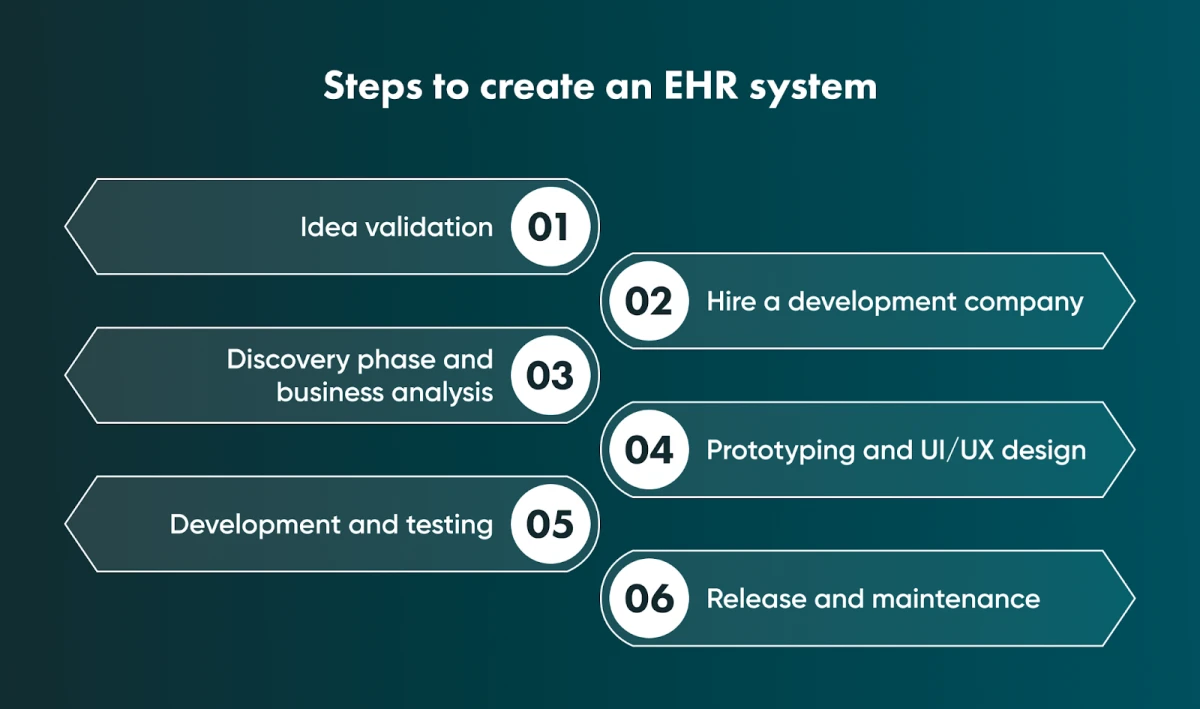
1. Idea validation
Before development starts, validate the idea: research the market, analyse competitors and identify the main requirements.
Start by answering these questions:
- Why do you need an EHR system?
- What purposes are you creating it for?
- Is it for your own clinic, or do you plan to sell it to other practices?
The answers become a list of requirements that helps developers understand what you need.
Also identify the users' pain points:
- What are they expecting from your software?
- What issues can it solve?
2. Hiring a software development company
Next, choose a software development company to build the system.
This is harder than it looks. Look for a reliable company with healthcare experience and rates that fit your budget.
Outsourcing is worth considering; we cover its benefits and risks in a detailed article.
To find a reputable company, try Clutch.co, where development companies are rated on client reviews. Clutch verifies every review; company profiles pass only a basic check, and the more thorough Clutch Verified status is optional.
3. Discovery phase and business analysis
Not every development company runs a discovery phase and business analysis. Go Wombat does both on its projects.
The discovery phase covers goals, roles, requirements, the commercial offer and the discovery deliverables. It is part of a wider business analysis process.
Business analysis helps us identify the business requirements for your product, plan the software architecture and estimate the cost of the EHR system.
For details, see our article about the discovery phase and our guide to business analysis.
4. Prototyping and design
After the business analysis, we create prototypes that show how the software will work, so you can see what you will get before development starts.
Then UI/UX designers design the interface and user experience of the mobile app and, if needed, the web app.
If the app is hard to navigate, doctors and patients will avoid using it, so design deserves real attention.
5. Development and quality assurance
Developers build the EHR software according to the technical specification.
Each project's stack may differ depending on its goal, but our core technology is Python/Django for backend development and JavaScript/React for the front end. If you need a cross-platform solution, we use the React Native framework.
Once the software is built, our QA engineers run the necessary tests to make sure it is stable and works correctly.
6. Release and maintenance
We then release the application and, if needed, publish it on the App Store and/or Google Play.
If the app is for internal use only, we restrict who can access it.
After release, we maintain the application and add features as the needs of patients and physicians change.
Essential things to consider when developing an EHR system
Consider these four factors before the app is released.
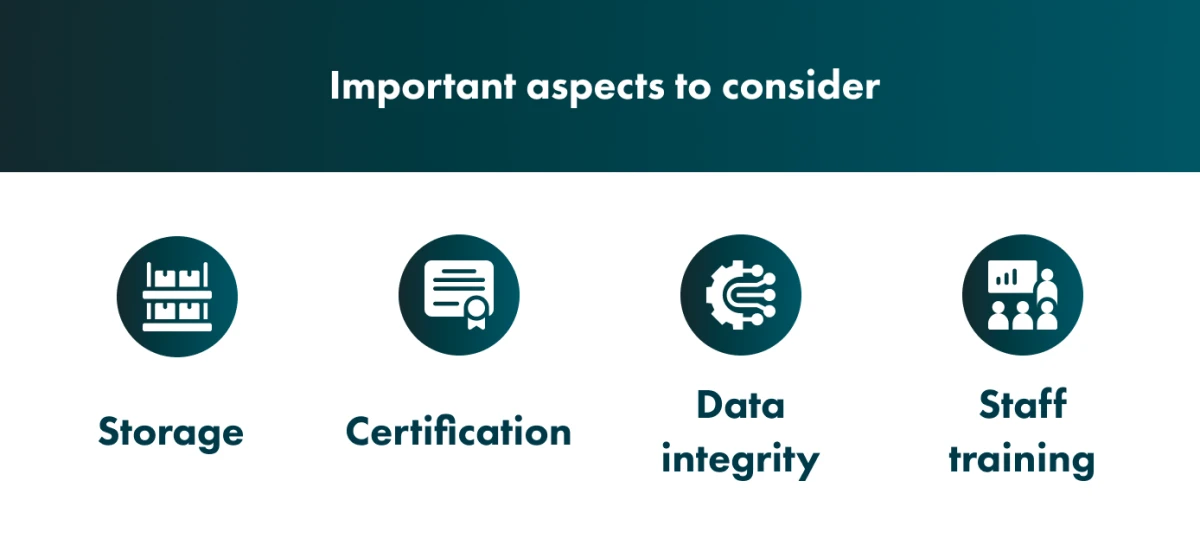
Storage
As described in the section on EHR types, you can store data in the cloud or on your own servers.
On-premise storage gives you complete control over the system.
A cloud solution gives you more flexibility and takes storage management off your hands.
At Go Wombat, we usually work with cloud storage.
Certification
An EHR system works with sensitive and confidential data. Neither the US nor the EU requires a licence for EHR software itself, but several sets of rules apply. If you create an app for the US market, the EHR system must comply with the HIPAA (Health Insurance Portability and Accountability Act). Certification under the ONC Health IT Certification Program is voluntary, although it is needed to take part in CMS programmes. It is issued by ONC-Authorized Certification Bodies (ONC-ACBs) after testing by ONC-Authorized Testing Laboratories (ONC-ATLs); the earlier ONC-ATCBs belonged to a temporary programme that ran from 2010 to 2012.
For the European market, the system must comply with the GDPR (General Data Protection Regulation). EuroRec certification was voluntary. Mandatory EU requirements for EHR systems now come from the European Health Data Space Regulation (EU) 2025/327, which entered into force on 26 March 2025, with its main obligations applying in stages from 2027 to 2029.
You can read our article about HIPAA and GDPR certification to learn more.
Go Wombat is a cybersecurity expert, and we will help make your app compliant with all necessary regulations.
Data integrity
Your EHR system should be able to synchronise data with other sources.
For example, synchronisation with Apple Health records helps physicians understand patients' daily habits.
Staff training
Prepare training programmes so that medical staff can start using the EHR quickly.
Plan the rollout so that it disrupts daily work as little as possible.
Go with Go Wombat
We plan each project around the facility it is built for.
The development process may differ slightly from the one described here.
If you have an EHR project in mind, tell us about it.
FAQ
What is a basic EHR system?
An EHR (electronic health records) system stores patients' medical and treatment information. In a basic system, patients can also share lab results with doctors and chat with them, and doctors can issue prescriptions.
What are the main components of an EHR system?
The main components of an EHR are document management, a patient portal, patient profiles, chart creation, integrations, access control, reporting, scheduling and messaging.
How long does it take to create an EHR?
Development time depends on your requirements and the functionality of the system. It can take from a couple of months to a year or more. For a more accurate estimate, contact Go Wombat.
Share and subscribe to our blog
Related articles

What Are Website Cookie Policies and Why You Need Them
P roviding a fast yet secure Web service can be a challenge. Here is a valuable insight into the cookies that help do just that. The trust of users towards your website is built on transparency. Therefore, users need to know how your websi…

Why Is the Digital Twin of an Oil Refinery the Most Complex AI System You Will Ever Build?
Why a digital twin of an oil refinery is so hard to build: seven interdependent layers from physics simulation to control system integration, results from Cosmo Oil's refinery digital twin, a look at Honeywell's planned digital-twin work at the Dangote refinery, team and data prerequisites, and why projects fail.

How RAG Helps AdTech Platforms Reduce Campaign Data Hallucinations
RAG helps AdTech platforms reduce AI hallucinations by grounding outputs in real campaign data, making reporting, attribution and recommendations more accurate and auditable.

How can we help you?