What Are the Benefits of CRM Systems for Your Business in 2026?

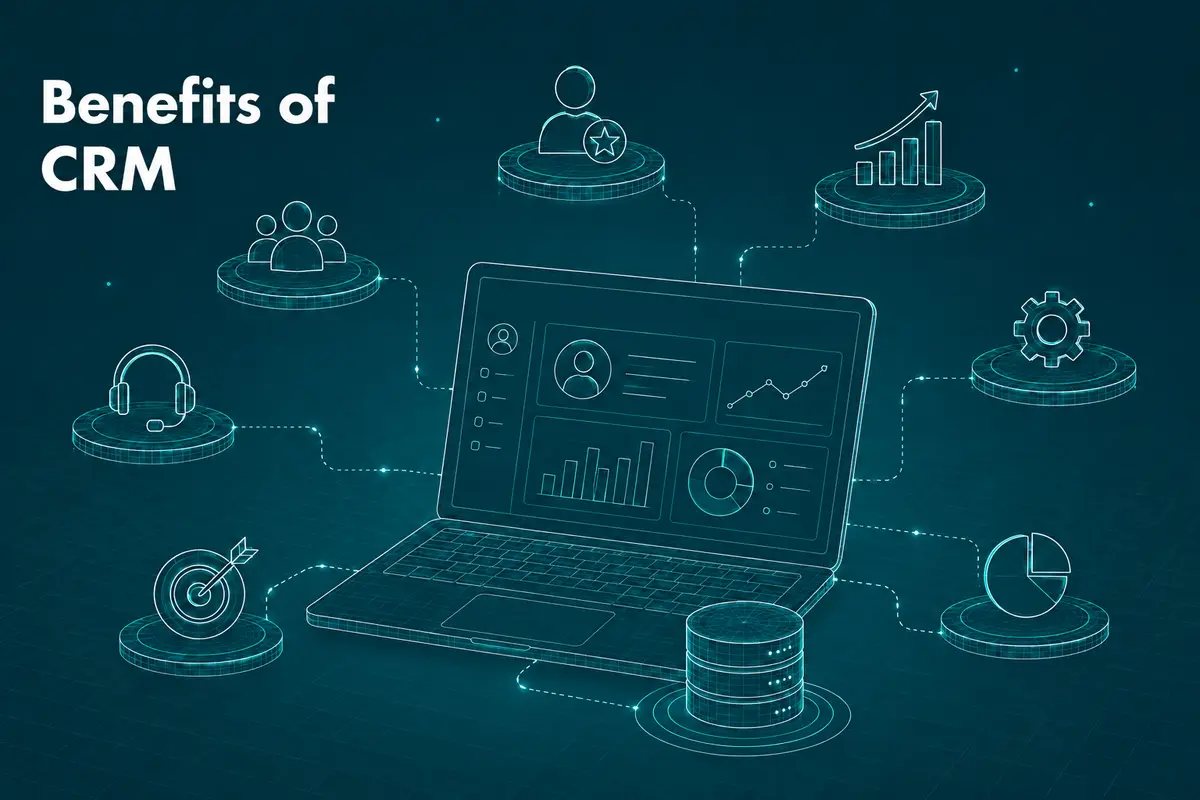
A CRM, or customer relationship management system, is software that stores customer data, interactions and history in one place so every team sees the same picture. The global CRM market is projected to grow from $112.91 billion in 2025 to $126.17 billion in 2026, according to Fortune Business Insights.
Below are the benefits of CRM systems for customers and for the business, and the drawbacks to weigh before you commit to one.
What Is a CRM System?
A CRM system records customer interactions, purchases, support tickets and preferences, and makes that record available to sales, marketing and support at the same time. Instead of five people holding five versions of a client’s history, everyone works from one record. Most of the benefits below come from that.
Benefits of a CRM for Customers
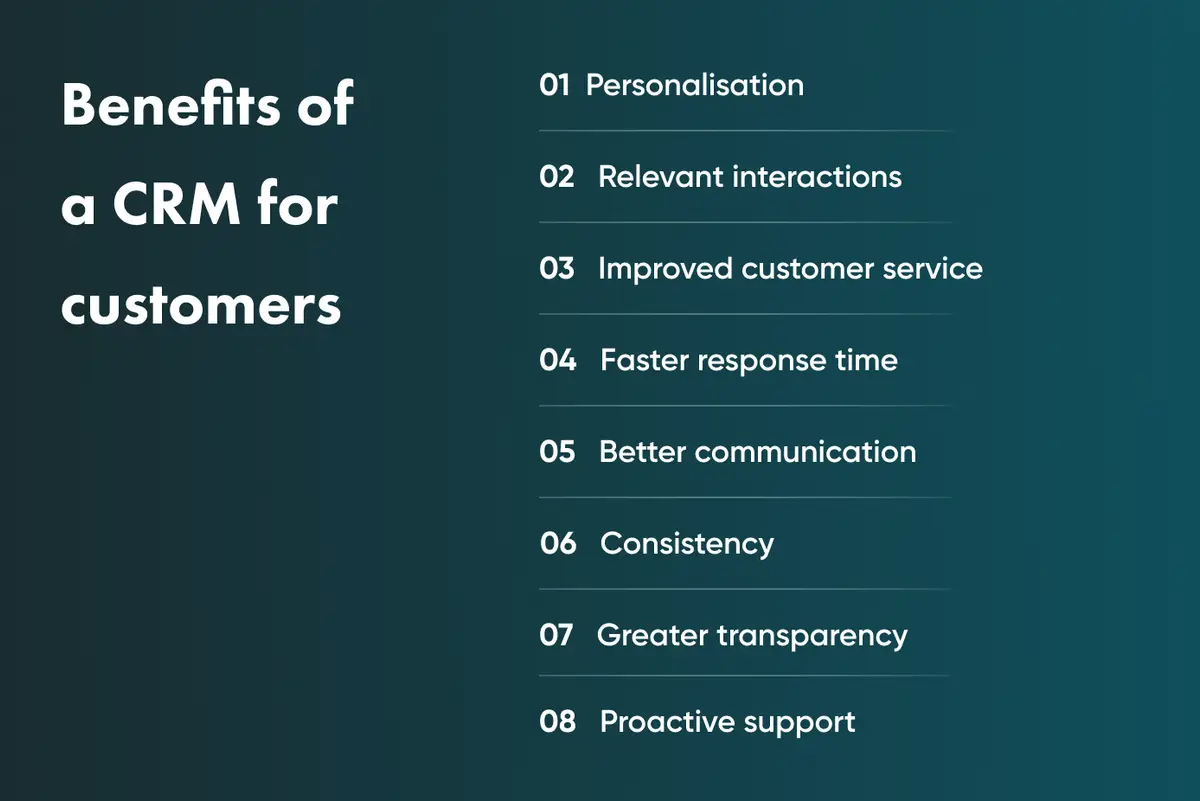
Personalisation
With customer data and preferences in one place, a business can tailor recommendations, offers and content to the individual customer rather than to an average. Relevant messages get more engagement than generic email blasts, and that builds loyalty over time.
Relevant, timely interactions
When a support agent can see a customer’s full history before picking up the phone, the conversation starts further along than “how can I help you today?” Customers get answers faster, and small issues are resolved before they turn into complaints and negative reviews.
Faster, more consistent service
Every team member sees the same view of a customer’s account, so the customer gets the same answer from sales and from support. Customers who get the same standard of service every time they get in touch are more likely to stay.
Transparency and proactive support
Many CRM platforms let customers see their own order history and support tickets, so they know what happens next. On the business side, the same data shows recurring problems, so the team can fix them before a customer has to raise them twice.
CRM Advantages From a Company’s Perspective
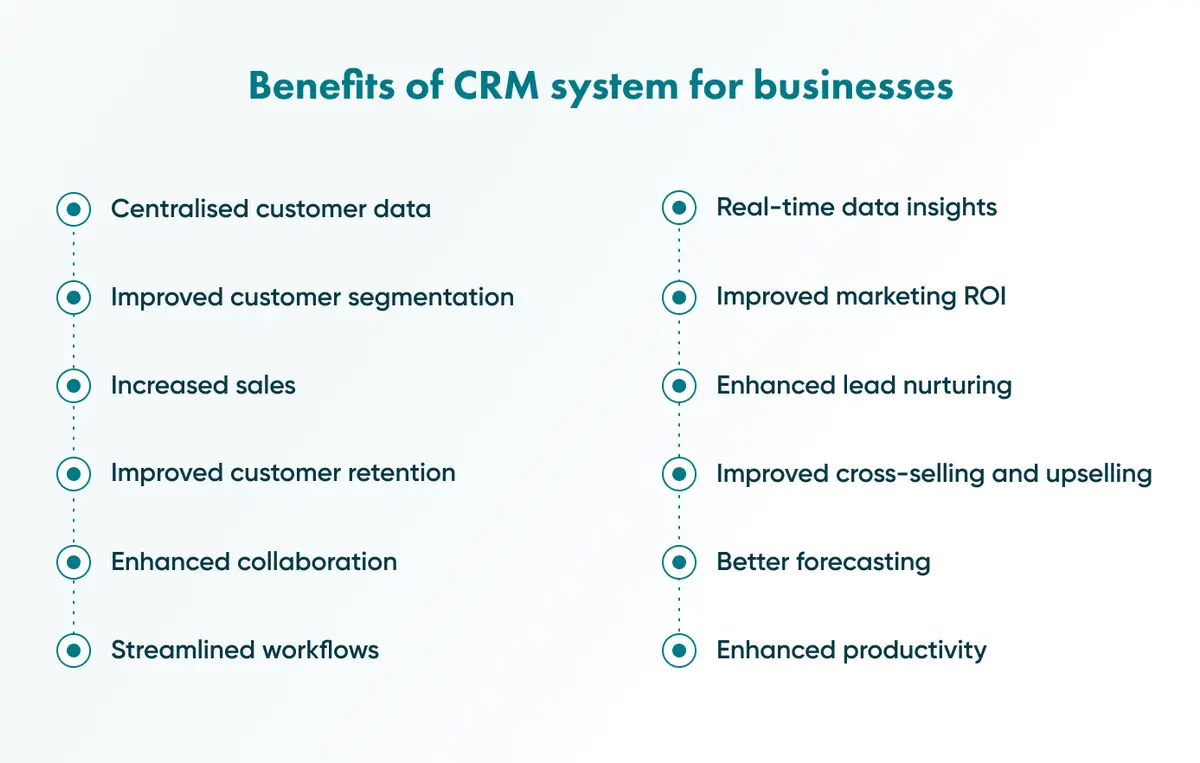
Centralised data and segmentation
A CRM keeps every customer record, purchase and interaction in a single searchable database rather than buried in someone’s inbox. Sales reps can check a client’s last order in seconds. Marketing teams can split a list of a thousand contacts into groups by behaviour or interest without losing an afternoon to spreadsheets.
Sales, forecasting and lead nurturing
A CRM automates lead nurturing, tracks pipeline stages and forecasts revenue, so sales teams spend less time chasing information and more time closing deals.
Go Wombat saw this first-hand while building a CRM for Demco, a US manufacturer of agricultural equipment, semi-trailers and RV towing products that sells through an extensive dealer network. Before the project, working out the price of a single custom equipment configuration meant manually checking item-by-item costs across that network, a slow process for both the manufacturer and its dealers. After Go Wombat integrated a new CRM platform with Demco’s existing ERP system, dealers could assess a full configuration, pricing included, in under a minute, and could submit exchange or refund requests through their own account rather than a phone call.
Retention, cross-selling and reduced churn
The same customer history that speeds up service also reveals patterns. A business that notices a client has gone quiet can step in before that account disappears altogether, and the purchase data on file makes it easier to suggest a genuinely relevant add-on rather than a random upsell.
Productivity, collaboration and automation
A 2012 study by Nucleus Research found that adding mobile and social capabilities to a CRM raised productivity by 26.4%. Automating routine admin, such as data entry, follow-up emails and appointment scheduling, frees people for work that needs a person.
Marketing ROI and real-time insight
Real-time customer data lets marketing teams see what is working and adjust before a campaign finishes, rather than after the budget is spent.
To see what a CRM built around your workflow could look like, share your project brief.
Which Businesses Need a CRM in 2026?
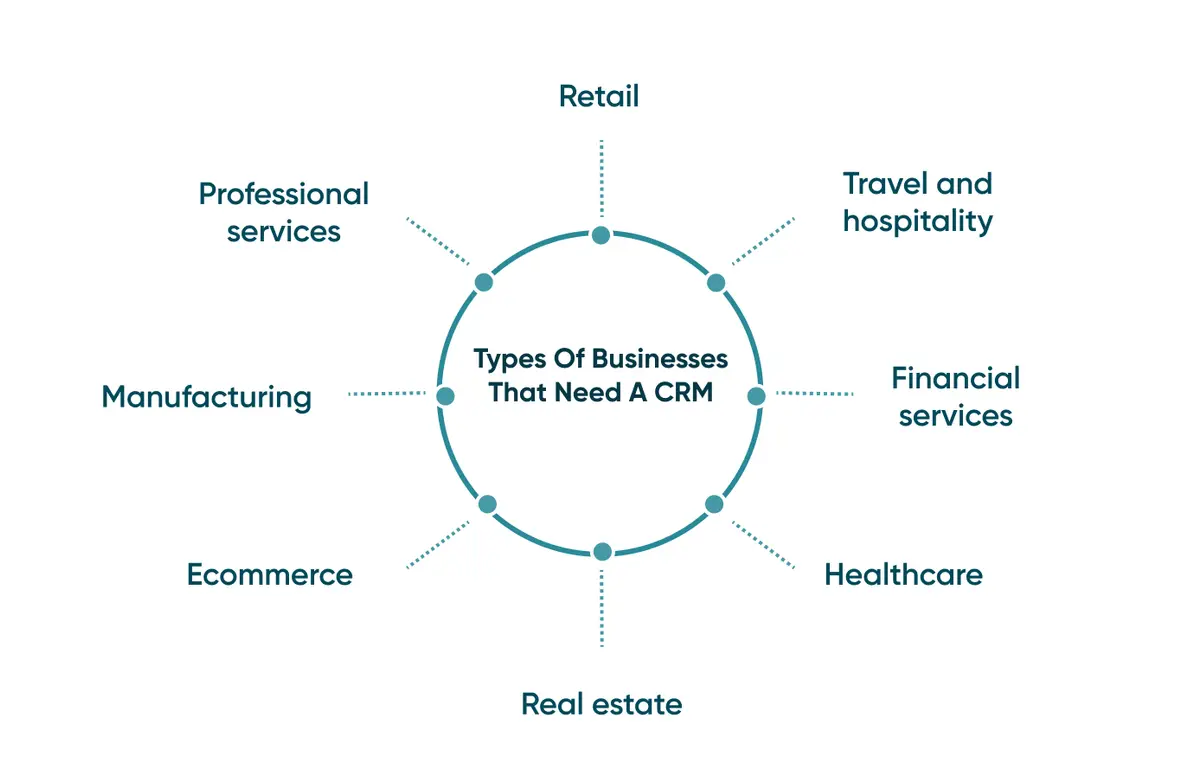
Nearly every business that deals with customers at scale benefits from a CRM, though the benefit looks different in each sector. An older BuyerZone figure, quoted by SuperOffice, puts CRM use at 91% of companies with more than 11 employees, so for most leaders the question is which CRM fits, not whether to adopt one.
Retail and e-commerce. Retailers use CRM data to track purchasing patterns and personalise campaigns, while online stores lean on the same data to reduce cart abandonment and repeat-purchase gaps.
Travel and hospitality. Hotels, resorts and tour operators use CRM software to manage guest relationships and turn one-off bookings into repeat business.
Financial services. Banks, insurers and investment firms rely on CRM-driven financial services software to track client data securely and streamline communication under tightening compliance rules.
Healthcare. Hospitals and clinics use CRM systems built for healthcare to manage patient interactions and cut down on administrative overhead.
Real estate. Agents and brokerages use real estate software to manage leads, track viewings, and automate follow-up campaigns.
Manufacturing and logistics. Manufacturers use CRM data to strengthen dealer and distributor relationships (Demco, above, is one example), while logistics software teams use it to keep shipment-related communication in one place.
Professional services. Law firms and consultancies use CRM systems to track billing, time spent on client work and cross-team collaboration.
Custom CRM vs Off-the-Shelf: Which Should You Choose?
Off-the-shelf CRM platforms get a business running quickly, but rigid workflows, limited customisation and integration gaps tend to show up as the company grows.
A custom CRM is designed around how your business operates rather than around a generic template. It can be extended with new features as requirements change, and it avoids the per-seat licensing costs of most off-the-shelf plans.
Off-the-shelf CRM | Custom CRM | |
|---|---|---|
Time to launch | Fast, live within days | Slower, built around a discovery phase |
Fit to your workflow | Generic, requires you to adapt | Built around your existing process |
Cost over time | Recurring per-seat licensing | Upfront investment, no per-seat fees |
Flexibility as you scale | Limited, may require migration later | Extended as the business changes |
Integration with existing systems | Depends on available connectors | Built to integrate from day one |
Neither option is wrong. A small team trying its first CRM often does better starting off-the-shelf. A business whose processes do not fit a generic mould, or that has already outgrown one, is usually better served by custom CRM development services built around a proper discovery phase.
What Are the Challenges of CRM Systems?
CRM software solves real problems, but it introduces a few of its own.
Cost. Beyond the initial purchase or build, ongoing training, support and maintenance add up, particularly for smaller businesses weighing a CRM against other priorities.
Privacy and compliance. CRM systems store sensitive personal and financial data, which makes them a target worth securing properly, and a genuine GDPR obligation for any business operating in the UK or EU. Go Wombat’s GDPR consulting services exist precisely because this gets underestimated.
Integration. Connecting a CRM to existing tools and processes can be harder than vendors suggest, especially where legacy software was never designed to talk to anything else.
AI readiness. This is the newer challenge. In June 2025, Gartner predicted that over 40% of agentic AI projects in general will be cancelled by the end of 2027 because of escalating costs, unclear business value or inadequate risk controls. Data quality is a separate risk: a CRM full of duplicate, outdated records will not become more useful just because AI-driven CRM features are added on top of it.
Key Takeaways
A CRM’s main job is to give every team the same accurate picture of each customer. Faster service, better-targeted marketing and stronger retention follow from that.
Cost, integration effort and the discipline to keep data clean all need planning before you sign anything.
If you want a CRM built around how your business works, get in touch.
Frequently Asked Questions
Who uses CRM systems?
Retailers, healthcare organisations, hospitality groups, financial services firms and manufacturers all use CRM systems, alongside professional services firms tracking client billing and time. In practice, any business managing more than a handful of customer relationships benefits from one.
How does a CRM help sales teams?
A CRM automates much of the sales process, from lead generation to closing, so reps spend less time on admin and more on prospects likely to convert. It also flags leads that need urgent follow-up, so deals do not stall in someone’s inbox.
How does a CRM affect overall business performance?
By centralising customer data, a CRM gives every department the same accurate view of each client, which strengthens both marketing personalisation and sales follow-through. It also automates processes that would otherwise consume hours of manual admin each week, freeing that time for higher-value work.
What are the disadvantages of a CRM system?
The main drawbacks are upfront and ongoing costs, the effort required to integrate a CRM with existing tools, and the security responsibility that comes with storing sensitive customer data. None of these rules out a CRM, but they are worth budgeting for rather than discovering midway through a rollout.
Is a custom CRM better than an off-the-shelf CRM?
It depends on how well a generic platform matches your existing workflow. Off-the-shelf tools suit businesses that want to move fast with a standard process, while a custom CRM suits businesses whose processes do not fit a template, or that have already outgrown one.
How much does a CRM system cost in 2026?
Off-the-shelf CRM pricing typically runs on a per-seat monthly subscription, which scales with headcount. Custom CRM development involves a larger upfront investment tied to a discovery phase and build, but avoids recurring per-seat fees as the team grows. The right answer depends on team size, growth plans and how unusual your workflow actually is.
Share and subscribe to our blog
Related articles

How to Build a Healthcare CRM System: 9 Steps and Tips for 2026
What a healthcare CRM does, how it differs from an EHR, which features a 2026 build needs, and the nine steps to develop one.

How Do You Build an Online Hotel Booking System in 2026?
How to build an online hotel booking system in 2026: in-house versus marketplace, the features guests and staff use, useful APIs, security and cost.

Why Use a CRM System? 7 Reasons Businesses Can't Afford to Skip One in 2026
What a CRM system does, how CRM software changed by 2026, and seven reasons to use one, illustrated by the CRM platform Go Wombat built for Demco.

Why Generative AI Is the Next Step in CRM Automation
Generative AI turns a CRM from a record store into a tool that drafts emails, summarises calls and suggests next steps. Here are the main use cases and what slows adoption.

How can we help you?